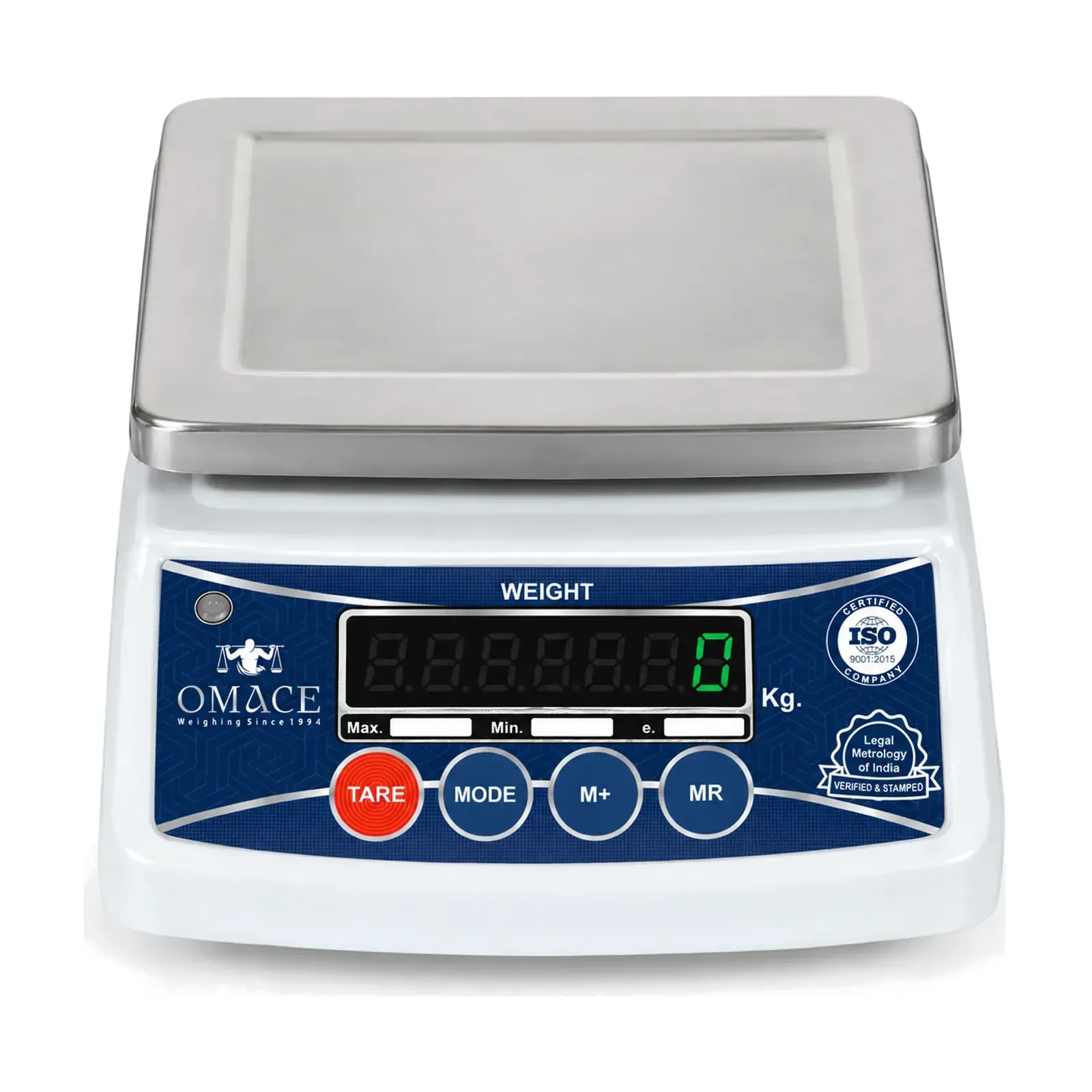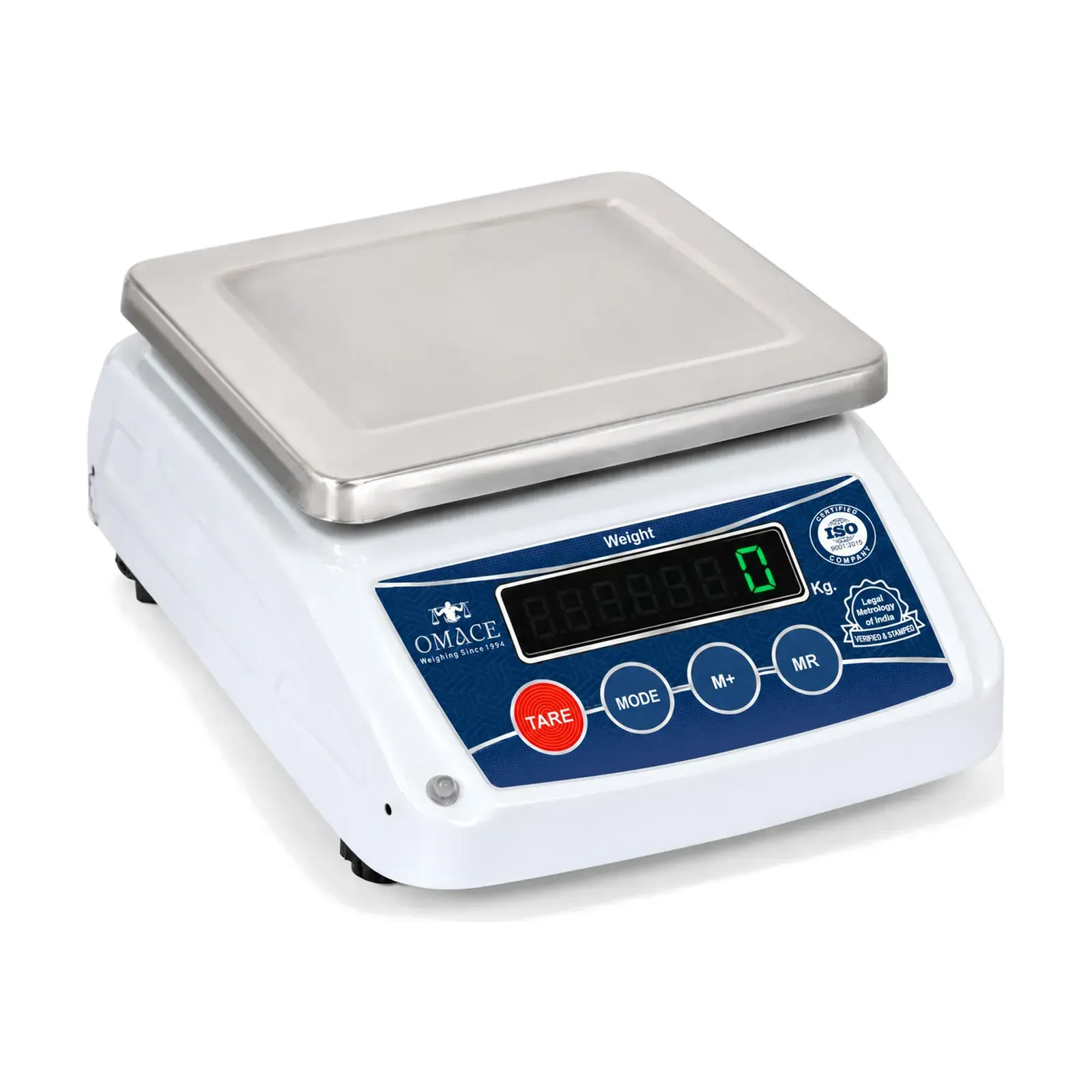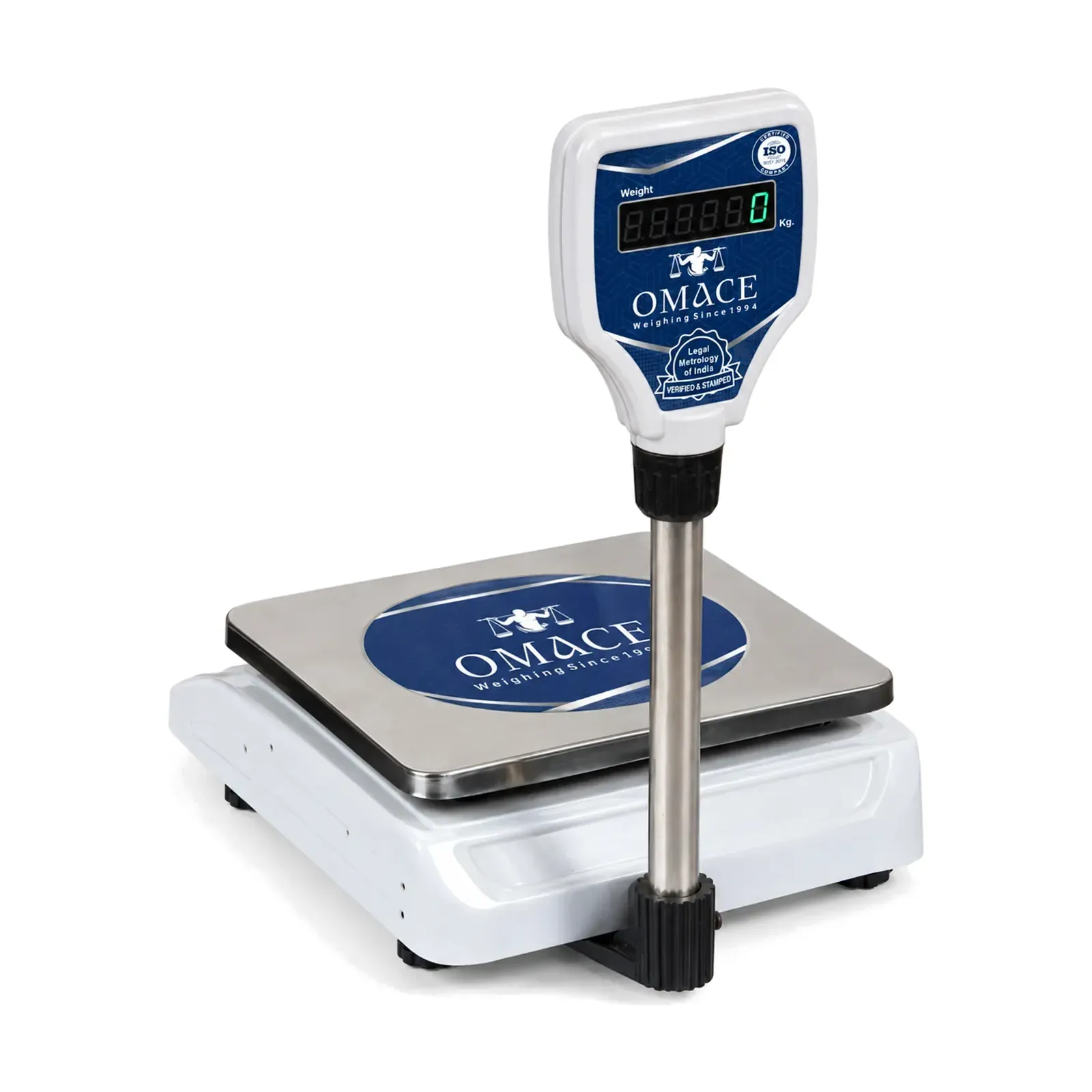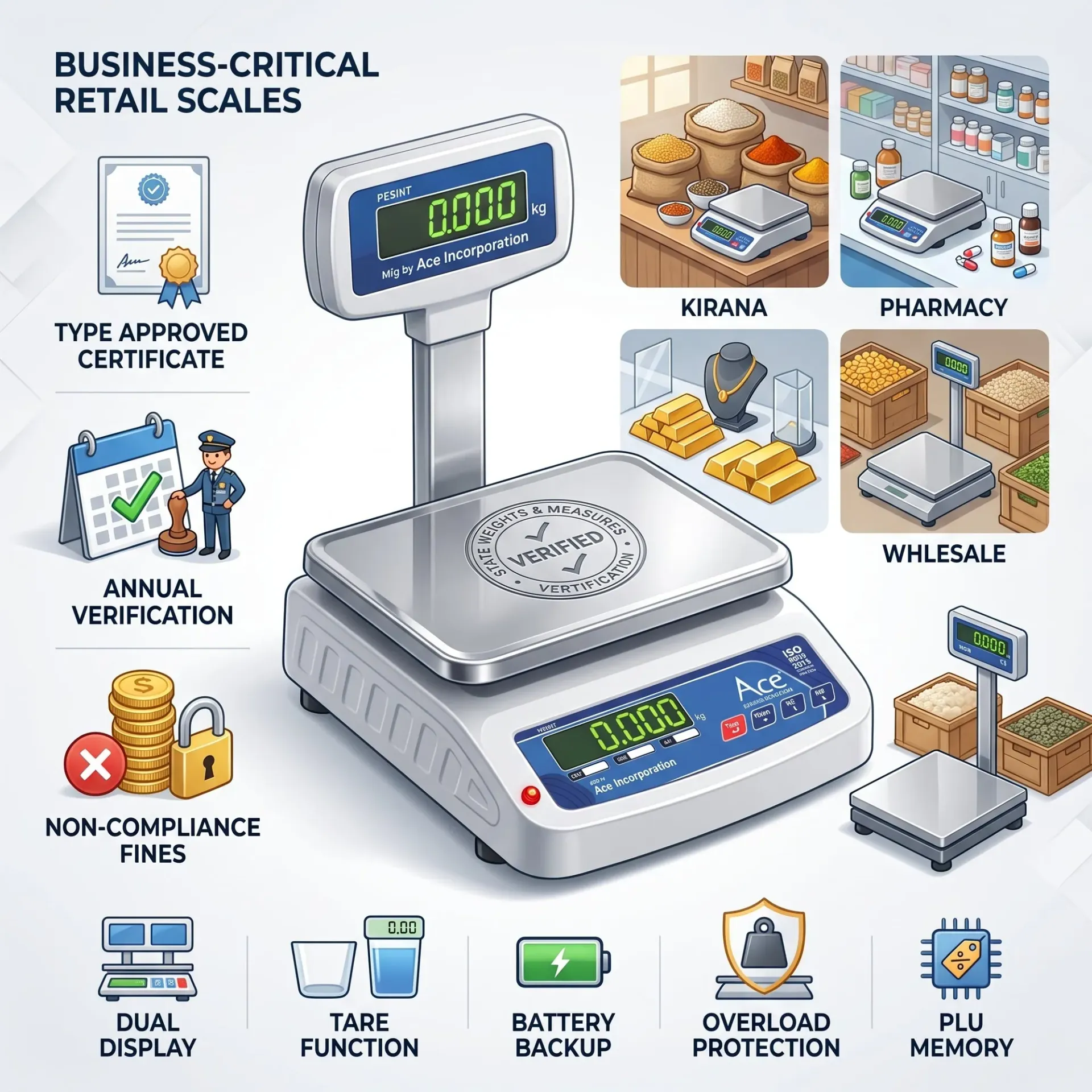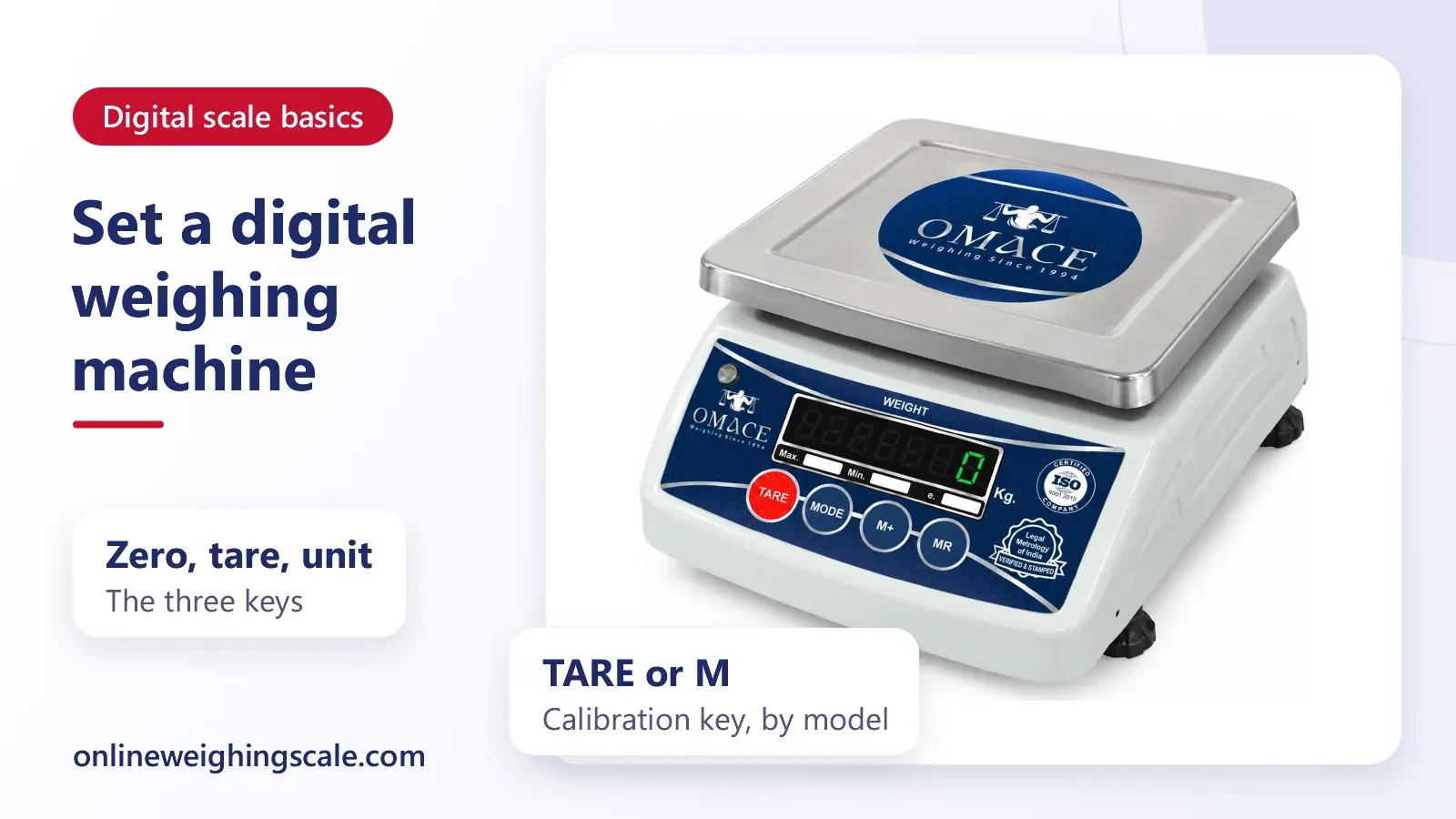
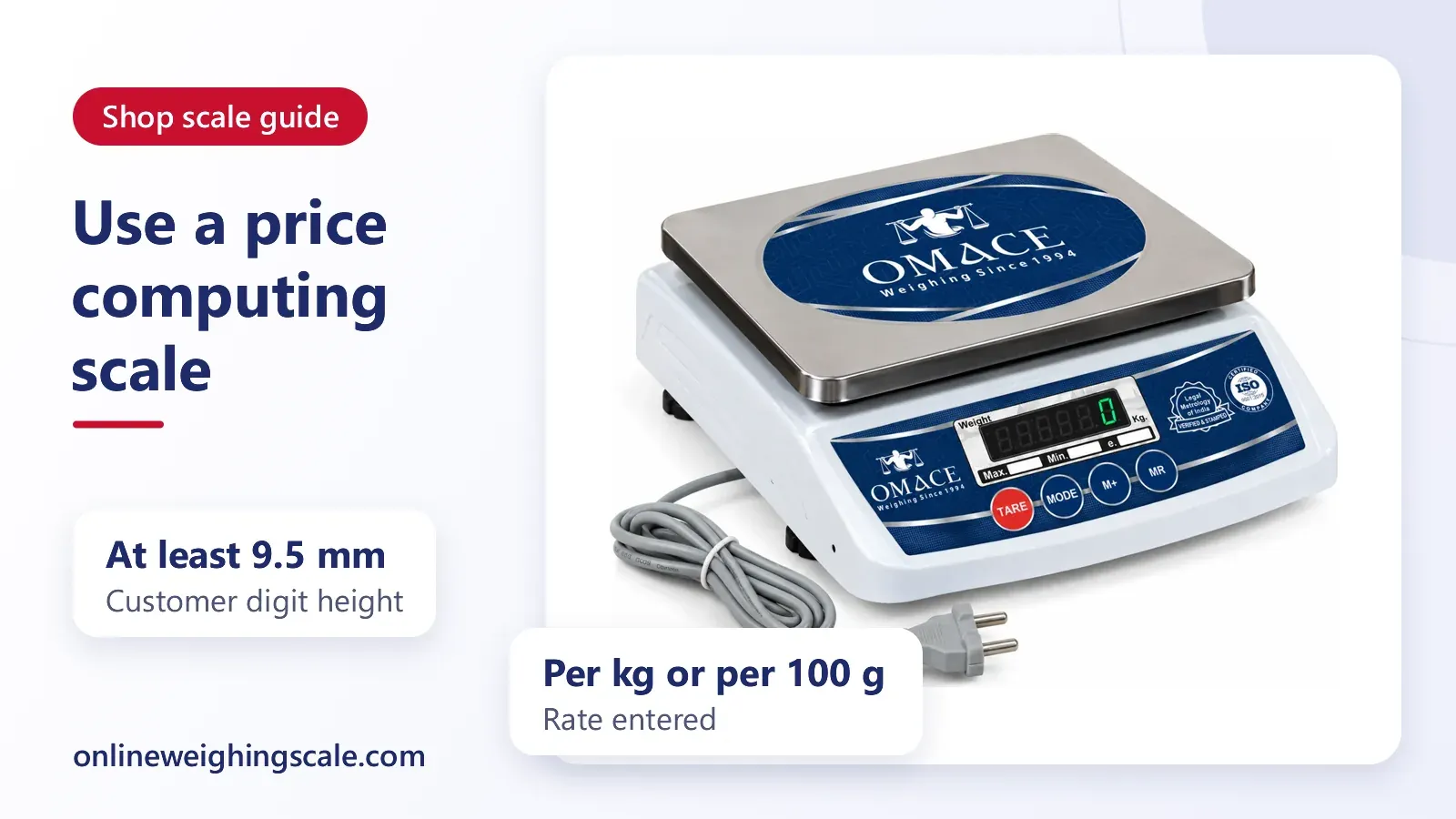
A price computing scale multiplies the weight on the pan by the rate per kg you enter, and shows the total on its display. The sequence is the same on most models: zero the scale, enter the rate, place the goods, read the price.
This guide gives the steps in general terms, because the keys are labelled differently on every model and the manual that came with your scale decides the exact buttons. It also explains tare, memory keys, adding several items and why the customer has to see the display.
What a price computing scale shows
A price computing scale, also called a rate weighing machine or a weighing machine with price calculator, has three readouts: weight, unit price and total price. Many shop models place them on a front window for the customer and a back window for the shopkeeper. Some show all three on one panel.
The scale does the multiplication itself. If the pan holds 1.250 kg and the unit price is ₹80 per kg, the total reads ₹100.00. Every figure the scale shows comes from the weight sensor underneath and the rate you typed in, so a wrong rate gives a wrong total even when the weight is perfect.
The international recommendation for non-automatic weighing instruments, OIML R 76-1, defines a price-computing instrument as one that calculates the price to pay from the indicated weight value and the unit price. That is all the scale is doing. India sets its own binding rules under Legal Metrology, so treat the OIML text as a clear description of how such scales are meant to behave.
The six steps, in order
- Switch on and wait. Let the scale finish its start-up count and settle at zero with nothing on the pan. If it shows a small number on an empty pan, press the ZERO key once.
- Enter the rate. Type the price per kg on the number keys. Some models need a UNIT PRICE key pressed first, others take the digits straight away. The rate appears in the unit price window.
- Place the goods. Put the item gently in the centre of the pan. Wait for the stable mark or the weight figure to stop moving.
- Read the total. The price window now shows weight multiplied by rate. Tell the customer the figure while they look at the display.
- Remove the goods. The weight returns to zero. On most scales the rate stays stored, so the next item at the same rate needs no typing.
- Clear or change the rate for the next product with the clear key and the new digits.
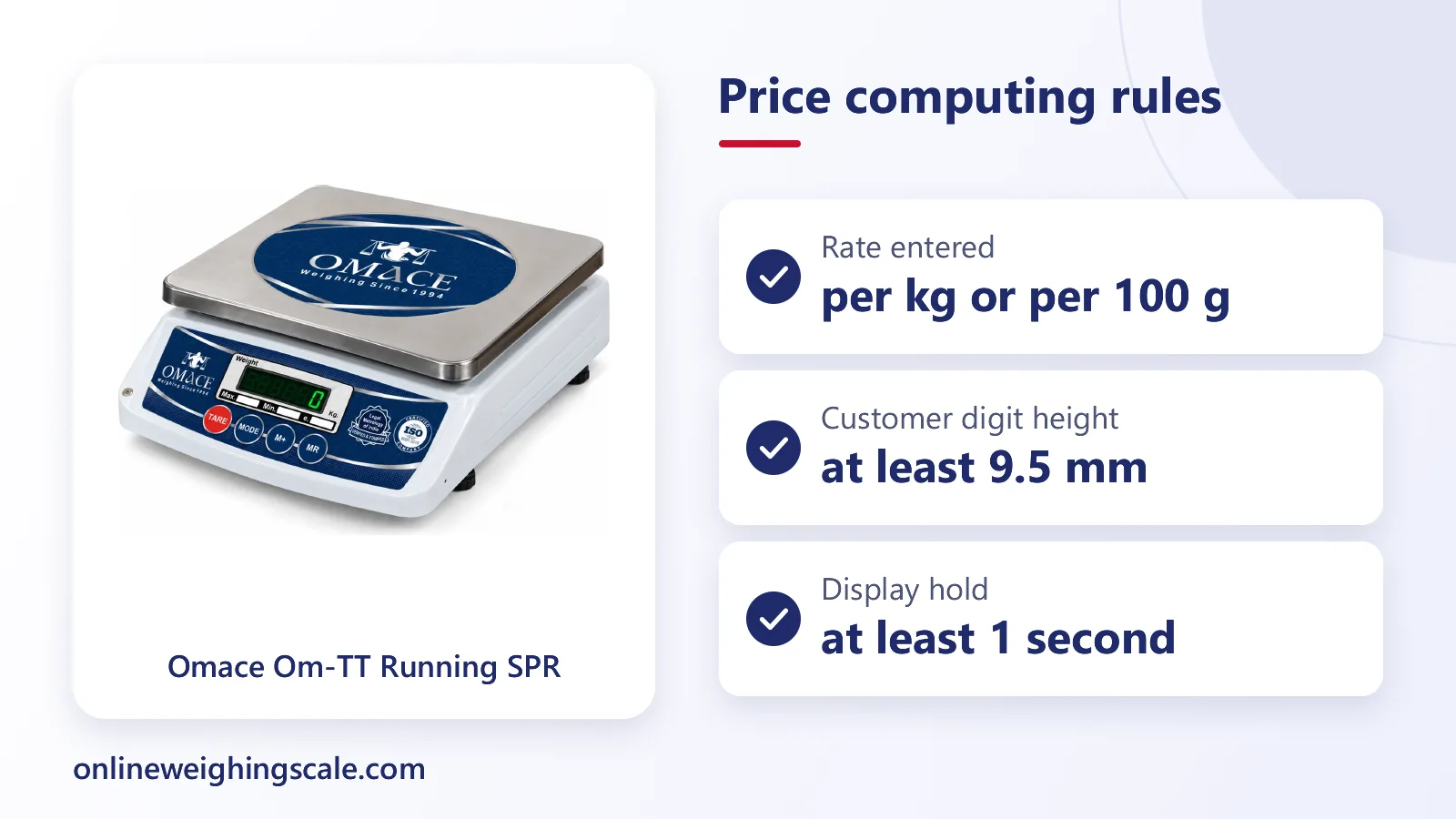
A rate is quoted per kg or per 100 g. OIML R 76-1 states that the unit price is restricted to price per 100 g or price per kg, so a scale that asks for a rate per quintal or per piece is working in a different mode. Read the unit shown beside the rate window before you start.
Using tare when goods sit in a container
Tare removes the weight of a bowl, polythene bag or tray so that you charge only for the goods. Place the empty container on the pan, press TARE, and the display returns to zero. Fill the container and the scale now shows the net weight and the matching price.
A well-made scale tells you when tare is active. OIML R 76-1 says the operation of a tare device must be visibly indicated, and that on a digital display the net value is marked NET. If your scale shows a NET symbol or a small tare lamp, you know the figure on screen excludes the container. A scale with no such sign is easy to misread, so take the container off and re-check the zero after each customer.
Two habits prevent most tare mistakes. Remove the container and the goods together when the sale ends, and press ZERO or TARE again on the empty pan before the next sale. A stored tare from the last customer is the common reason a total looks too low.
Memory keys and PLU
Many price computing scales carry numbered memory keys, often called PLU, meaning price look-up. You store the rate of a common item once, say onion or atta, on key 1 or key 2. Later you press that key instead of typing the digits.
The steps differ by model, so use the manual. The usual pattern is to press a SET or PROG key, press the memory number, type the rate, then press the same key to save. Check the saved rate by pressing the memory key with an empty pan and reading the unit price window. When prices change in the morning, overwrite the stored value for that key. Leaving yesterday's rate in memory is the quietest way to over- or under-charge.
OIML R 76-1 also covers the case where a preset tare is linked to a PLU. It says that a preset tare tied to a memory key should be cancelled at the same time as the PLU is cancelled. In shop terms, a memory key that includes a fixed bag weight should be cleared when you clear the key, or the next item inherits the old bag weight.
Adding several items on one bill
Some price computing scales have an ADD or M+ key. After each item you press it, the scale stores that price, and a TOTAL key shows the sum when the customer has finished. Without such a key, write each total on the bill and add them yourself, which works with any scale.
When you use the add function, watch two points. First, the weight window must return to zero before the next item goes on, or the scale may refuse to store. Second, press the total key only once everything has been added, and clear the memory afterwards so the next customer does not start with a leftover amount.
OIML R 76-1 allows totalization on a price computing instrument only where every transaction is printed on a ticket or label for the customer. For a shop scale without a printer, a written bill takes that role. Whatever you do, keep the customer able to follow how the total was reached.
Why the customer must see the display
The customer pays on the strength of the number on the screen. OIML R 76-1 states that all primary indications, which means weight, unit price and price to pay, shall be indicated clearly and simultaneously to both the vendor and the customer. If one display cannot do that, the recommendation calls for two sets, one for each side.
The same text asks for figures shown to the customer to be at least 9.5 mm high, and for the weight, unit price and price to pay to stay visible for at least one second after the weight is stable. It also stops a unit price being changed while a weight is still showing. That last rule protects the buyer from a rate typed in after the goods are placed.
Practical advice follows from this. Turn the customer-side window towards the buyer, keep the lens clean, and enter the rate before you load the goods so the person can read the rate first. Nobody should be asked to trust a total they cannot see.
How the total is rounded
A scale reads weight in steps, such as 5 g or 10 g, and the total is rounded to the smallest money step the scale uses. OIML R 76-1 says the price to pay is calculated and rounded to the nearest interval of price to pay, and that this interval has to follow national trade regulations. So a total of ₹100.04 may appear as ₹100.05 on a scale that works in steps of five paise, or as ₹100.00 on one that rounds to the rupee.
Rounding explains small differences between a scale and a hand calculation. It does not explain a large gap. If a sale of 1.250 kg at ₹80 per kg shows anything far from ₹100, check the rate you typed and the unit before blaming the scale.
Common mistakes at the counter
| Mistake | What it does to the bill |
|---|---|
| Rate typed per 100 g when the board shows per kg | Total far too low or too high |
| Yesterday's rate left on a memory key | Every sale on that key is wrong |
| Container left tared for the next customer | Total too low |
| Goods placed before the scale settles to zero | Weight and total drift |
| Scale on a sloping or wobbly counter | Reading changes between weighings |
| Weight window facing only the shopkeeper | Customer cannot check the sum |
Keep the scale level, away from fans and direct draught, and check zero between customers. A scale that drifts or gives odd totals needs checking. Omace Brands Private Limited has a guide on price computing scale calibration and counting checks that covers the test weights, and a post on what to do when a weighing scale is not working.
Stamping and trade use in India
A scale used to sell goods by weight in India has to be verified and stamped under Legal Metrology before it is used for trade. The rules, fees and the stamp itself are explained in the posts on Legal Metrology in India and weighing scale stamping charges. A scale that is not stamped should not be used to charge customers.
Omace shop, platform, chicken and crane scales leave the Bagru factory verified and stamped by Legal Metrology, and the stamp is valid across India. Omace Brands Private Limited has made scales since 1994 at G-29 RIICO Industrial Area, Bagru, Jaipur, and every scale is checked with certified test weights before dispatch.
Which Omace scales weigh only
None of the product names in the Omace catalogue describes a price computing scale. The shop range is made of weight machines, which show the weight and leave the multiplication to the shopkeeper. The shop weighing scale category lists them, for example the Om-TT-ECO Kirana Weighing Machine at ₹2310 including GST, the Om-TT-Micro mini weighing machine and the Om-TT-Running SPD vegetable weighing machine. Check the product page of any model for its keys before you assume it has a rate function.
Shopkeepers who weigh only still bill quickly: read the weight, multiply by the rate, and write the amount on the bill. A larger pole display keeps the weight in front of the customer, which is the same visibility rule applied to a scale without a price window. The post on the best weighing scale for small business and retail shops compares the choices.
Commercial scales from Omace Brands Private Limited can be repaired when the buyer asks. The buyer pays the shipping both ways and the repair cost, and spare parts depend on availability, so ask first through the contact page.
A short check before the first sale of the day
Switch on, wait for zero, press the memory key for your first item and read the stored rate. Place a known weight such as a 1 kg packet of sugar, and confirm the total equals the rate. This takes under a minute and catches a wrong rate, a stored tare or a drifting zero before a customer is charged.