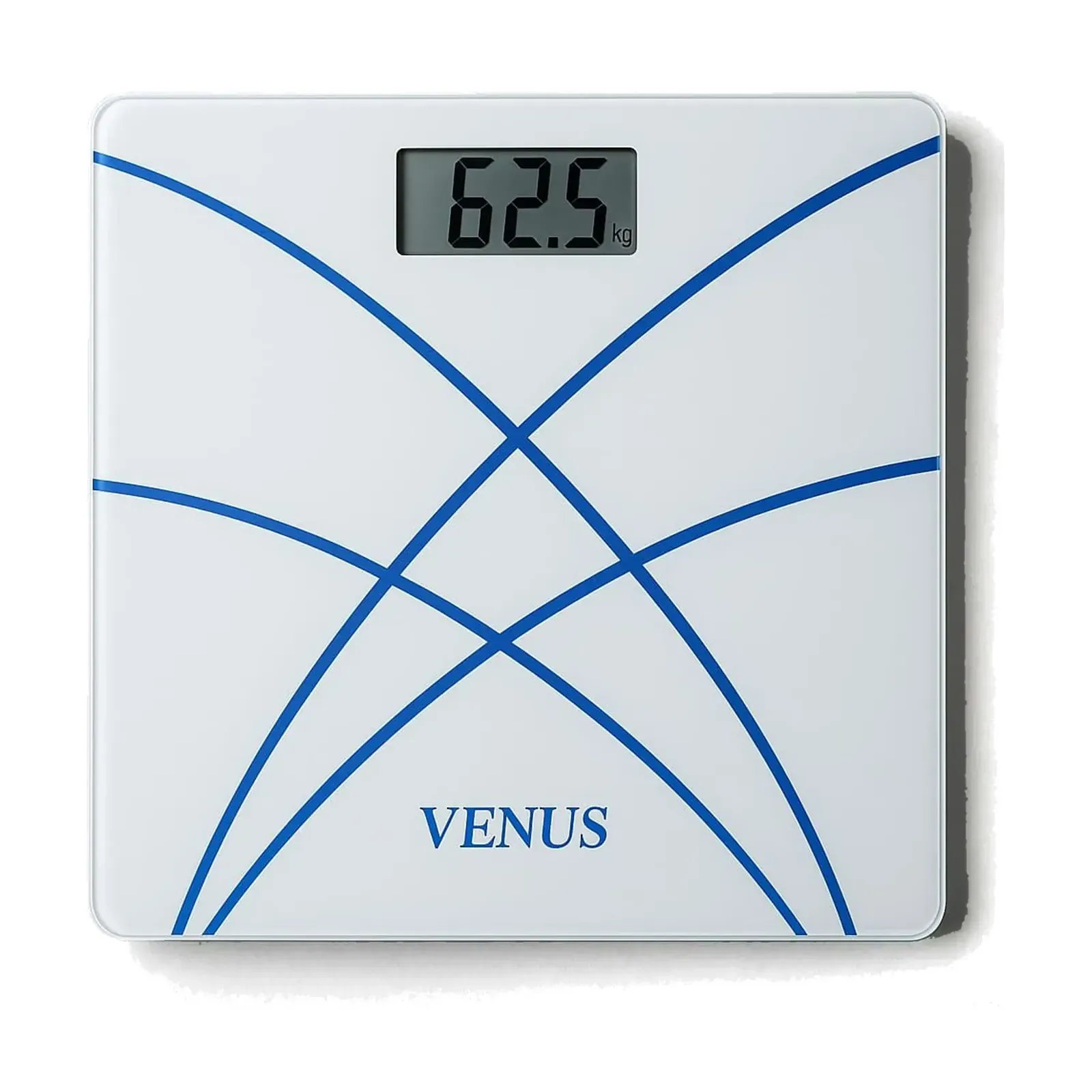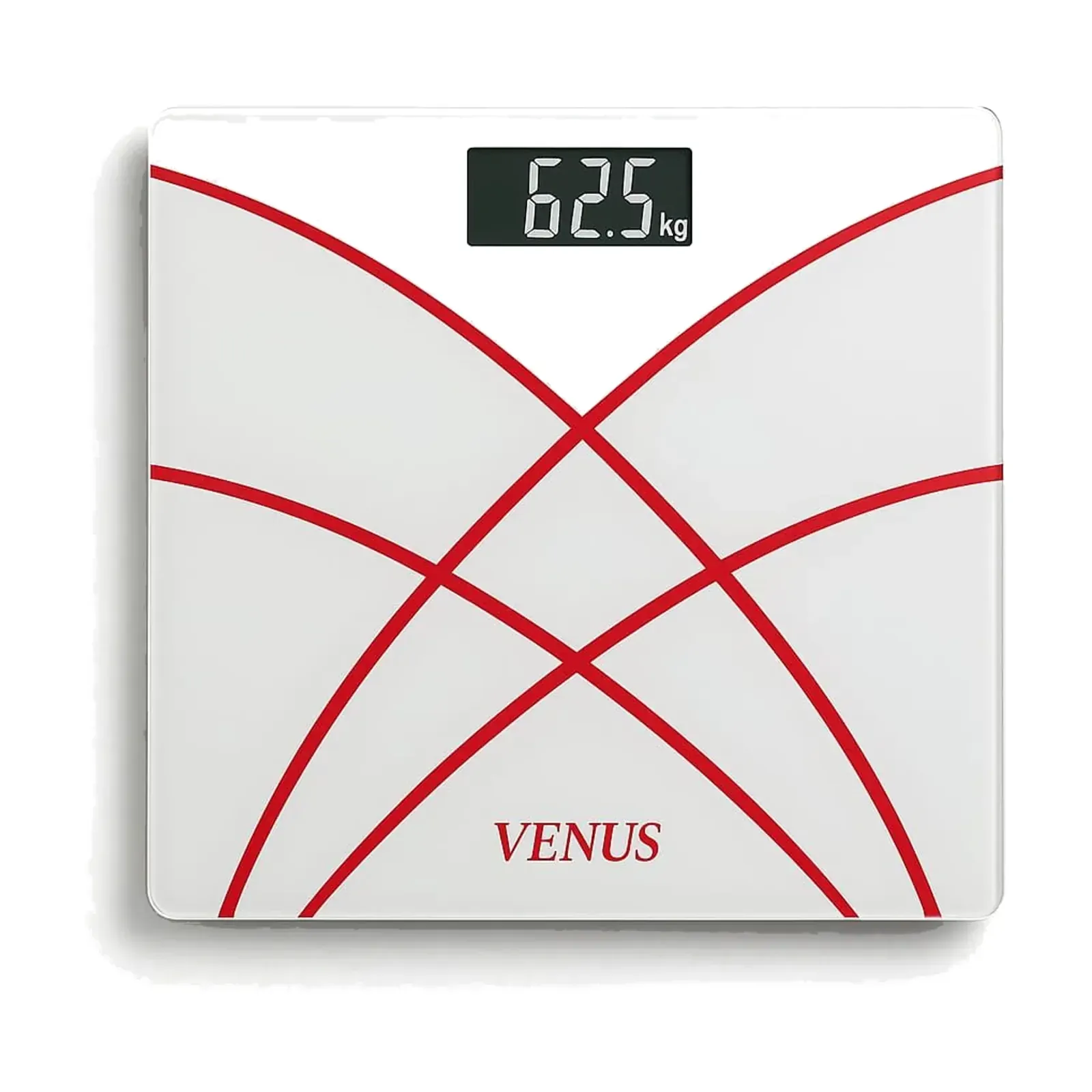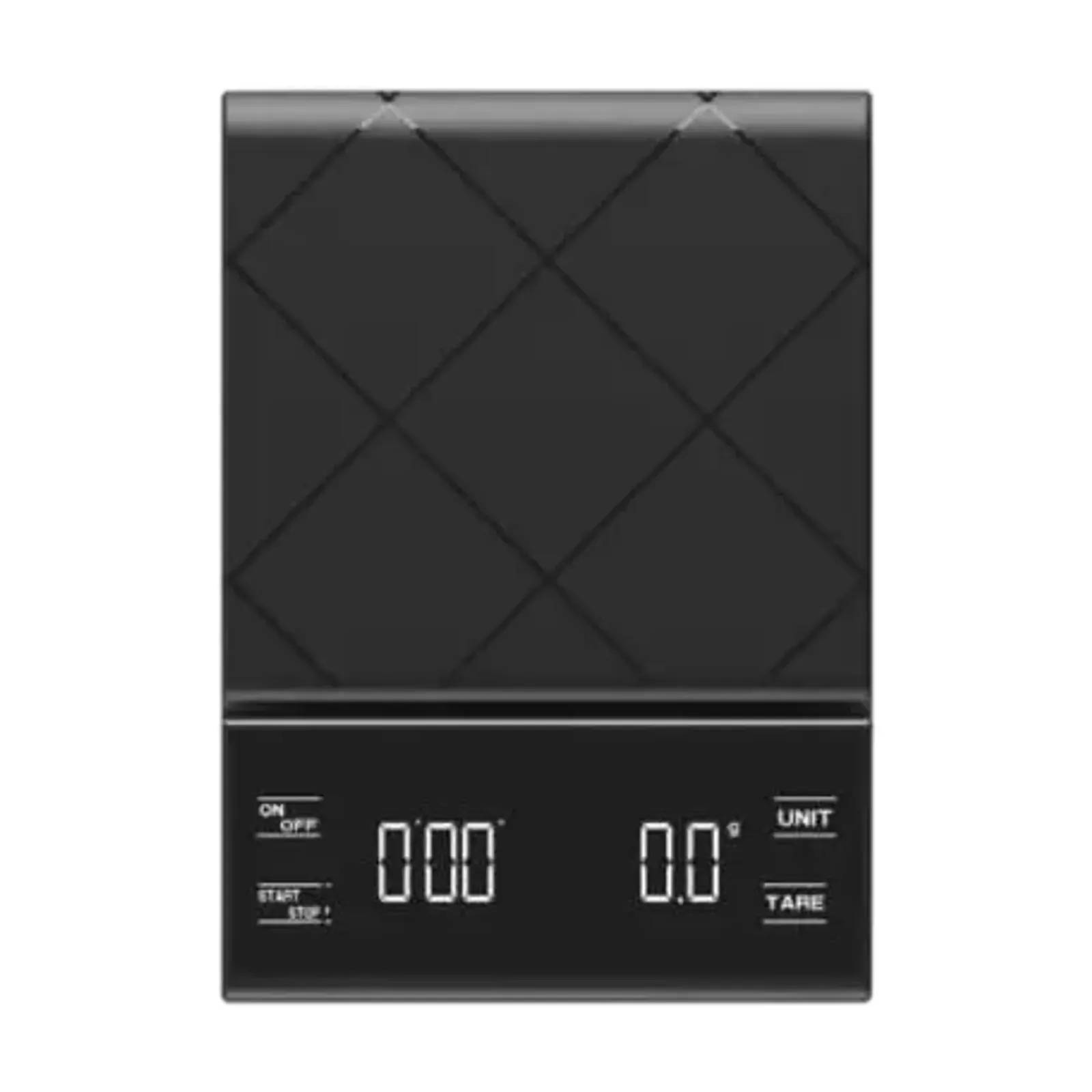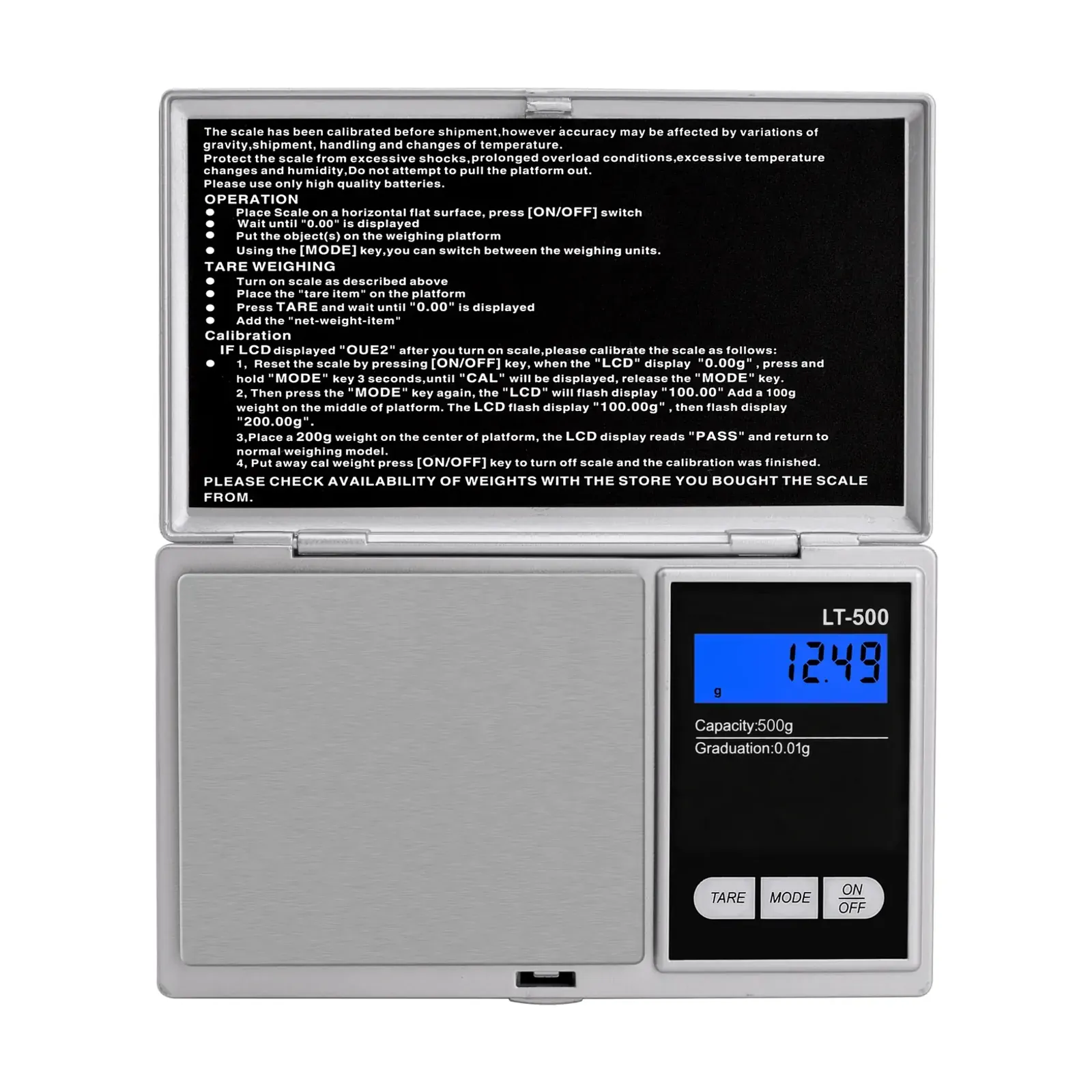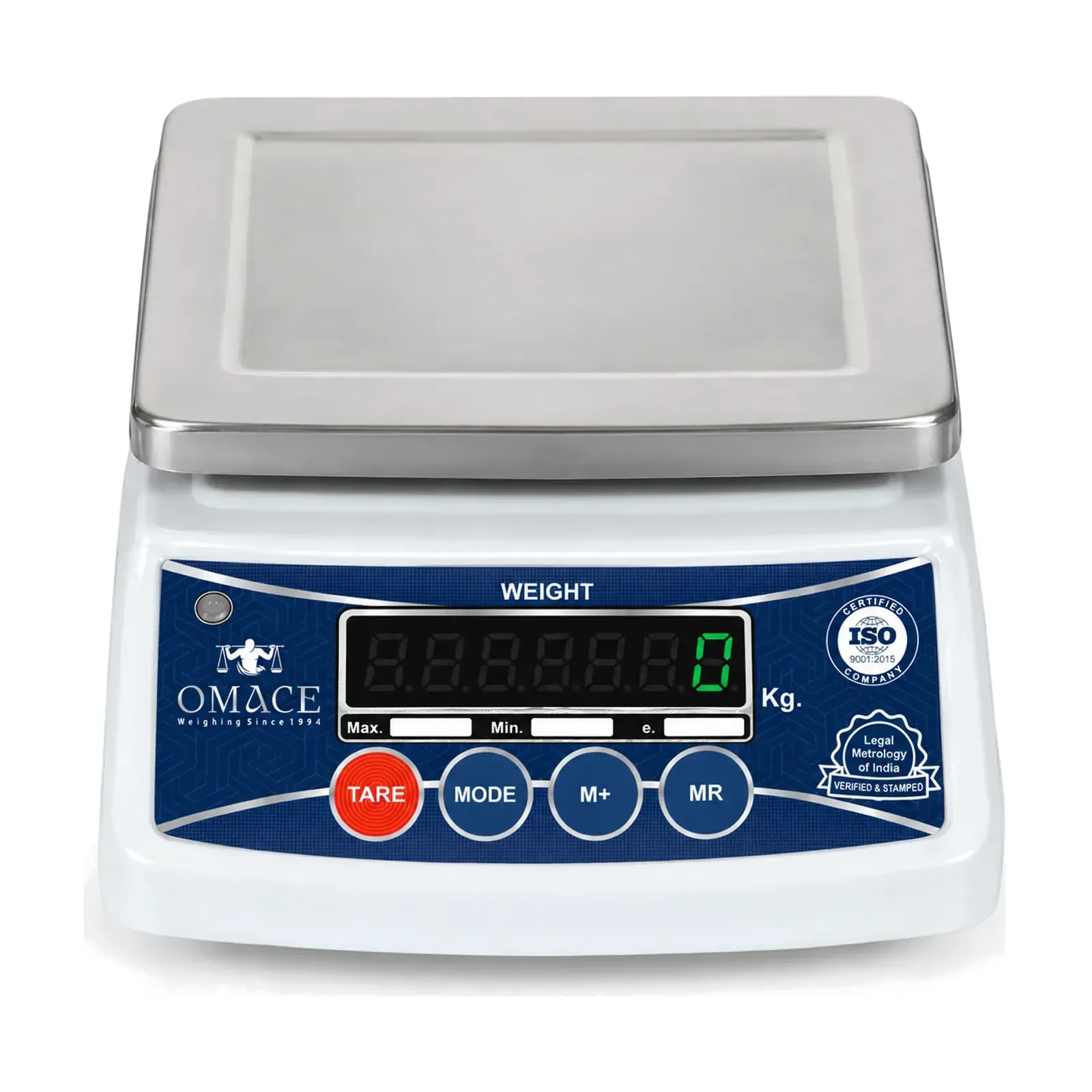
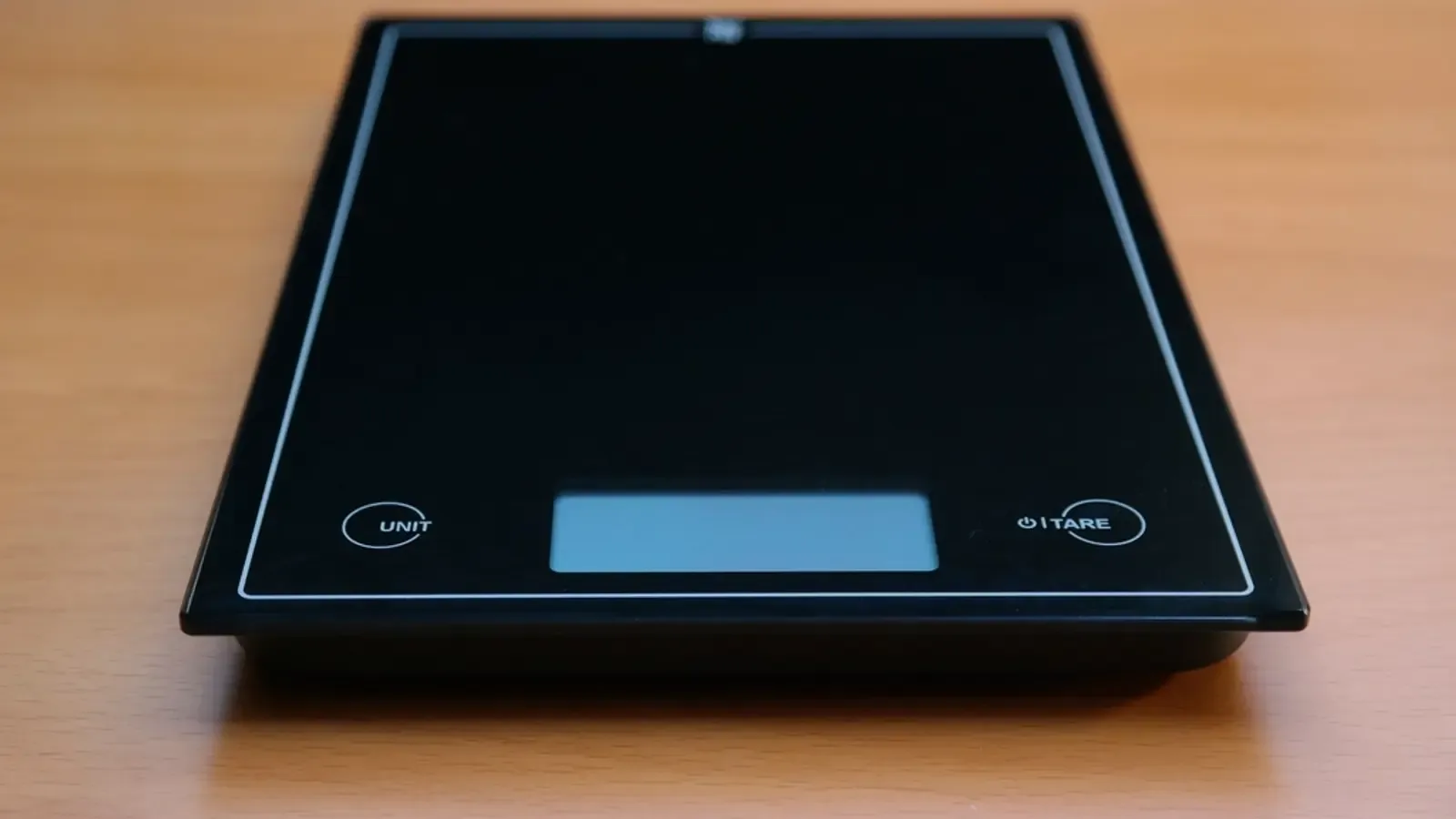
A digital weighing scale that stops working is usually fixed by checking power, surface, zero and load, in that order. OIML R 76, the international rule for non-automatic scales, makes a battery scale either weigh correctly or show no weight once its voltage drops too low. Omace replaces a scale that still reads wrong under warranty, which runs 2 years on retail scales.
Error Signs on a Digital Scale and What They Mean
Most weighing scale error signs point to power or to the load, and the display is the first clue to a weight machine not working properly. Codes differ between models, so the user manual has the final word on yours. The table marks which signs are general and which appear on a named Omace model.
| What you see | Likely cause | First thing to do | Where it appears |
|---|---|---|---|
| Blank display, or it will not switch on | Flat, reversed or wrong batteries, or an uncharged rechargeable battery | Fit fresh cells the right way round, or charge it | General |
| Lo or a battery symbol | Batteries running low | Replace every cell together, or charge | General; Lo on the Hoffen KS-301 |
| EEEE, OL or an overload sign | Load above the scale's capacity | Remove the load at once | General; EEEE on the Hoffen KS-301, OL on the Venus EBS-KS-9090 |
| Reading jumps or keeps drifting | Soft or sloping floor, a draft, vibration or weak batteries | Move it to a hard, level surface away from fans | General |
| Negative number, or stuck on 0 | Switched on with a load on the pan, or zero tracking | Clear the pan, restart and wait for 0 | General |
| Steady but wrong weight | Wrong unit, tare still set, or calibration drift | Check the unit and tare, then weigh a known weight | General |
On the Hoffen KS-301 digital coffee weighing machine, EEEE means the load is too heavy and Lo means the batteries are low. Venus digital bathroom scales show low battery and overload signs, and the Venus EPS-8199 shows its overload sign above 180 kg.
Power: Blank Display, Lo Sign and Auto Off
A digital scale not turning on usually has a power fault. Check that the cells match the type marked in the battery box and sit the right way round. On a new scale, pull out any plastic tab left between a cell and its contact. Green or white crust on the springs blocks the current, so wipe it off with a dry cloth and refit the cells.
Weak batteries cause more than a blank screen. OIML R 76 requires a battery-powered electronic scale to either keep weighing correctly or show no weight value once the voltage falls below the maker's set level. A scale showing Lo, blanking out or switching itself off may simply have tired cells.
Replace every cell at once. Omace's page for the Ace LT-500 digital pocket scale asks owners to change both batteries when the low battery sign shows. Rechargeable shop scales such as the Omace Om-TT-ECO kirana weighing machine need charging when that sign appears. A shop kanta that goes dark while idle may only be in standby, so press a key before suspecting a fault.
Auto off is normal too. The Hoffen KS-601 digital kitchen scale switches itself off after 3 minutes. Venus bathroom scales switch on when you step on and switch off by themselves afterwards. If a bathroom scale shows nothing, tap the platform with your foot, wait for 0.0 and step on again.
Floor, Level and Surroundings: Readings That Jump
A scale showing a different weight each time is usually standing on the wrong surface. Carpet, a rubber mat or a cracked tile lets one foot sink lower than the others, so the load reaches the sensor at an angle. Move the scale to tile, stone or a solid table and weigh again. OIML R 76 requires repeat weighings of the same load to agree within the scale's maximum permissible error, so a wide spread on a firm floor points to a fault.
Tilt has a limit. Under OIML R 76, a scale with no level indicator must stay within its error limits when tilted by up to 50 in 1,000, about 1.5 cm across a 30 cm platform. On a scale with a level indicator, the ring around the bubble marks the largest permitted tilt. The Ace JS-5003 electronic balance is levelled by turning its feet until the bubble sits in the centre circle.
Moving air shifts readings, most of all on a 0.01 g pocket scale. The US National Institute of Standards and Technology, in its GMP 10 guide to weighing, asks for balances to stand in an area free from air currents and away from heating and cooling vents. A ceiling fan or an AC vent above the pan can be enough to make the last digit wander. A table that shakes with a mixer or a passing truck does the same.
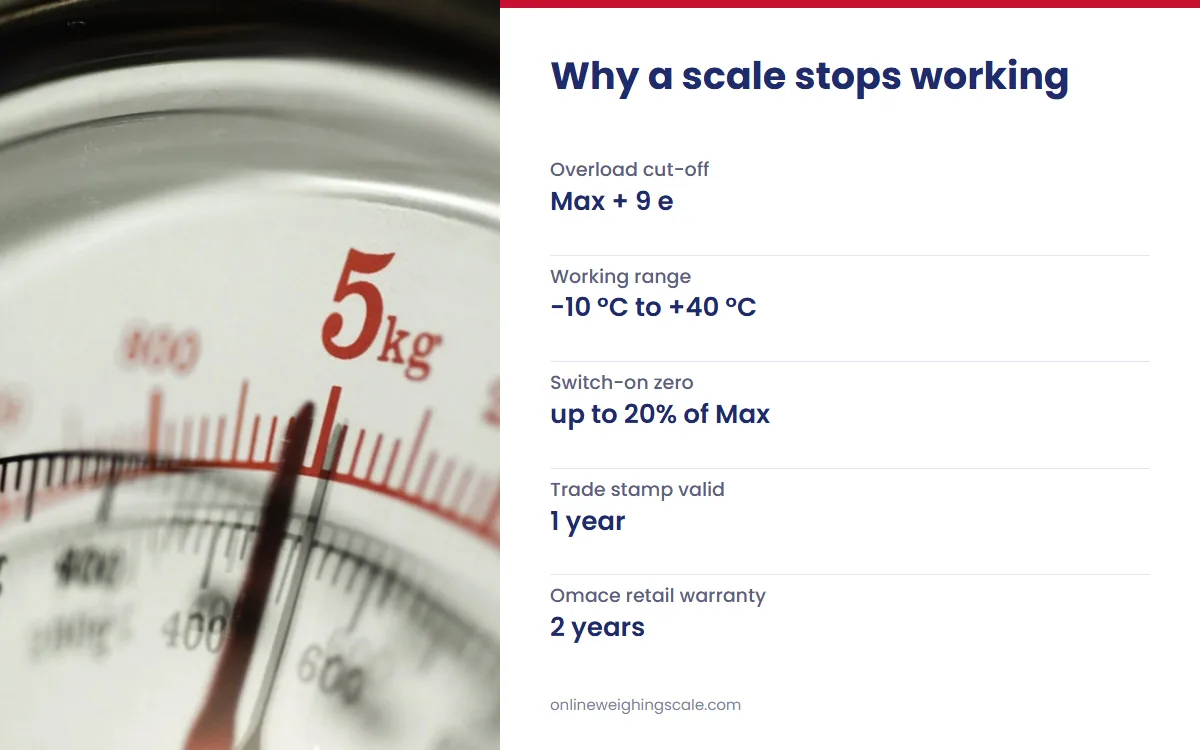
Temperature moves the zero. OIML R 76 requires a scale with no stated temperature range to keep its accuracy from −10 °C to +40 °C. Its zero may shift by no more than one scale interval for each 5 °C change in the room. Let a scale brought in from a cold car or a hot verandah settle to room temperature, then zero it.
Dry air and magnets cause rarer faults. NIST GMP 10 warns that relative humidity well below 40% can generate electrostatic discharge near a balance, and that a magnetic field will likely affect a mass reading. Keep magnets and magnetic phone covers away from a precision scale.
Zero and Tare: Negative Numbers and a Scale Stuck on Zero
Many readings that look wrong start at the zero. A digital scale sets its zero when it switches on, and OIML R 76 lets that switch-on zero cover up to 20% of the scale's capacity. Switch on a 10 kg kitchen scale with a 1 kg bowl on it and the bowl becomes zero. Lift the bowl off and the display shows a negative number.
The fix is to switch off, clear the pan, switch on and wait for 0 before weighing. A load larger than the switch-on range cannot be zeroed at switch-on, so clear the pan and restart.
Pressing ZERO or TARE while the number moves often does nothing. OIML R 76 lets a semi-automatic zero key work only when the scale is in stable equilibrium. Wait for the stable sign, then press again.
A scale that seems stuck on zero while you add powder is often zero tracking at work. OIML R 76 lets a scale hold its zero by correcting drift of no more than half a display step per second. Sprinkle a spice very slowly onto an empty pan and the first fraction of a gram can be treated as drift. Put a slightly larger pinch on first, then add slowly.
A number that stays on the display may be a hold. Venus bathroom scales lock the weight once you stand still, and the Hoffen HO-L-18 luggage scale holds its reading. Step off or set the bag down, and the next weighing starts fresh after the scale switches itself off.
A steady number can also be in the wrong unit. Many kitchen and jewellery scales switch between grams, ounces and other units, so check the unit symbol before calling a reading wrong. A tare left set from the last container also lowers every reading by that container's weight.
Load and Capacity: Overload Signs and Load Cell Damage
An overload sign means the load is above what the scale is built to weigh. OIML R 76 forbids any weight indication above the maximum capacity plus 9 verification scale intervals. Past that point, a scale shows a sign or nothing at all. Remove the load at once.
Omace's page for the Omace OCS crane scale says to lower the load at once if its overload alarm sounds. The Hoffen HO-L-5 luggage scale's backlit display turns red when it is overloaded.
Overloads and shocks can damage the sensor itself. That sensor inside is a load cell, a metal block with strain gauges that turn force into an electrical signal, as what a load cell is explains. OIML R 60, the international recommendation for load cells, defines the safe load limit as the largest load a cell can take without a permanent shift in its performance beyond specification. Standing on a kitchen scale, dropping a sack onto a shop pan or jumping onto a bathroom scale can cross that limit in an instant.
A damaged load cell gives itself away. The scale will not return to 0 once the load is off, it is wrong by different amounts at different loads, or the number creeps while a load sits still. These faults need a repairer or a replacement.
Spring balances fail in their own way. Omace's page for the Venus tubular spring balance says a balance that won't stay at 0 may have been overloaded. The page for the Venus PK heavy-duty spring balance adds a heavy load left on the spring for a long time.
Bluetooth Scale Not Syncing With the App
A smart scale that shows your weight on its own display is weighing correctly, even when the app shows nothing. Omace's page for the Venus EPS-6399 body fat weighing machine says to pair the scale from inside the Omace Fit app instead of the phone's Bluetooth settings. Turn on Bluetooth on the phone, open the app first, then step on.
Keep your height, age and gender correct in the app, because the EPS-6399 works out its body metrics from your weight and profile. Body fat and muscle figures from any scale are estimates, and are smart scales accurate explains what moves them. The Venus EBS-812 Bluetooth baby scale sends each weight to the free AiLink app (Android and iPhone) and also shows it on its own display, so a baby can be weighed without the phone.
When the Problem Is Calibration
Calibration fixes one fault: a digital scale showing wrong weight by about the same amount every time, once power, floor, zero and load are ruled out. Test it first with a known weight. The checks for body scales are in how to calibrate a bathroom scale. The full steps for kitchen, pocket and shop models, with the signs that a scale needs calibrating, are in how to calibrate a digital weighing scale.
On Omace digital scales with a TARE key, holding TARE for about 5 seconds opens calibration mode. The display then asks for the weight it needs. Use exactly that weight, centred on an empty, level pan.
Stamped trade scales follow other rules. Omace shop, platform, chicken and crane scales leave Bagru verified and stamped by Legal Metrology, and the stamp is valid across India. Their adjustment is sealed, so the owner must not open or recalibrate them. A licensed repairer does the work, and the Legal Metrology department of the state where the scale is used verifies it again. The Delhi Weights and Measures Department confirms that repairing weights and measures needs a licence, and that a stamp on an electronic balance or platform scale is valid for one year.
Repair, Replace or Claim the Warranty
Weight machine repair starts with sorting the faults an owner can fix from those that need a professional.
- An owner can fix batteries and contacts, a soft or sloping floor, the level bubble, the zero, tare and unit settings, an overload, drafts and app pairing.
- A repairer fixes a damaged load cell, a dead display or circuit board, water damage and any stamped trade scale.
- The seller handles a scale under warranty that reads wrong or stops working.
An error code that returns after a restart comes from the scale's own self-check. OIML R 76 requires an electronic scale that detects a fault larger than one scale interval to stop working or show a warning until the user acts or the fault clears. Restart once on a level surface with an empty pan. If the code comes back, stop using the scale and contact the seller.
Omace scales are factory calibrated, and an Omace scale that reads wrong is replaced under warranty. Retail scales carry a 2-year warranty on manufacturing defects, set out in the Omace warranty policy; read it before anyone opens the case. Send the model name and a photo or short video of the display through the Omace contact page.
Out of warranty, compare the repair quote with the price of a new scale. The Venus EPS-281 body weight scale costs ₹546 on the Omace store (November 2026), so weigh any bathroom scale repair quote against that figure. If a seller refuses a valid warranty claim, the government's National Consumer Helpline takes complaints on its toll-free number 1915, from 8 am to 8 pm (checked November 2026).
How Omace Checks a Scale Before It Ships
Omace Brands Private Limited has manufactured weighing scales since 1994 at G-29 RIICO Industrial Area, Bagru, Jaipur, as the About Omace page sets out. At the Bagru factory, every scale is checked with certified test weights before dispatch. Omace scales are factory calibrated, and every Omace product is made in India. As a manufacturer, Omace Brands Private Limited holds ISO 9001:2015, ISO 13485:2016 and EU MDR quality certificates, and CE and US FDA compliance certificates, each listed on the Omace certificates page. Omace retail scales carry a 2-year warranty on manufacturing defects.
How to Maintain a Weighing Scale So It Keeps Working
- Keep it on a hard, level surface, away from fans, AC vents and direct sun.
- Leave nothing on the pan or platform between uses.
- Take the batteries out if the scale will sit unused for weeks, as the Venus EBS-812 page advises.
- Wipe it with a dry or slightly damp cloth, and keep water out of the display and battery box.
- Check it with a known weight every few months, and again after a drop or a move.
- Have a stamped trade scale re-verified before its stamp runs out each year.
Work through the checks in the order above before booking a repair. When a sign stays after all of them, the user manual and the seller hold the model-specific answer, and an Omace scale goes back under its warranty.