Setting a digital weighing machine takes five steps in a fixed order: switch it on, let the display settle, check zero, press tare for any container, then read the weight. Every other key on the panel is a small extra on top of these five.
This guide is for a shop owner, a kitchen user or a family with a new bathroom scale. Keys and menus differ from one model to another, so the manual that came in the box always decides. Omace Brands Private Limited, which makes scales in Bagru, Jaipur, has marked below what is general and what is true of Omace scales.
Step 1: Switch on and let it settle
Put the scale on a hard, flat surface such as a counter or a tiled floor. A soft mat, a tilted table or a wobbling stand makes the reading drift. Keep the pan empty, press the ON key and wait until the display shows zero.
Most digital scales count through a short self-test after switching on and then show zero. Many electronic scales also read steadier after a few minutes of being on, so a shop scale is better switched on a little before the first customer. How long depends on the model, and the manual gives the figure.
Step 2: Check zero before you weigh
Zero means the display reads 0 with nothing on the pan. The international recommendation OIML R 76-1 defines a zero-setting device as one that sets the indication to zero when there is no load on the load receptor, and a tare device as one that does so when a load is on it. If it shows a small number such as 0.02 or 5 g with an empty pan, press the ZERO key if the model has one, or briefly press TARE, which on most scales also brings the display back to zero when the pan is empty.
A scale that will not return to zero, or that creeps away from it, has a different cause: a loose pan, wind from a fan, a dead battery or damage. Our guide on why a weighing scale stops working lists those causes and the fixes.
Step 3: Use tare for a bowl, bag or tray
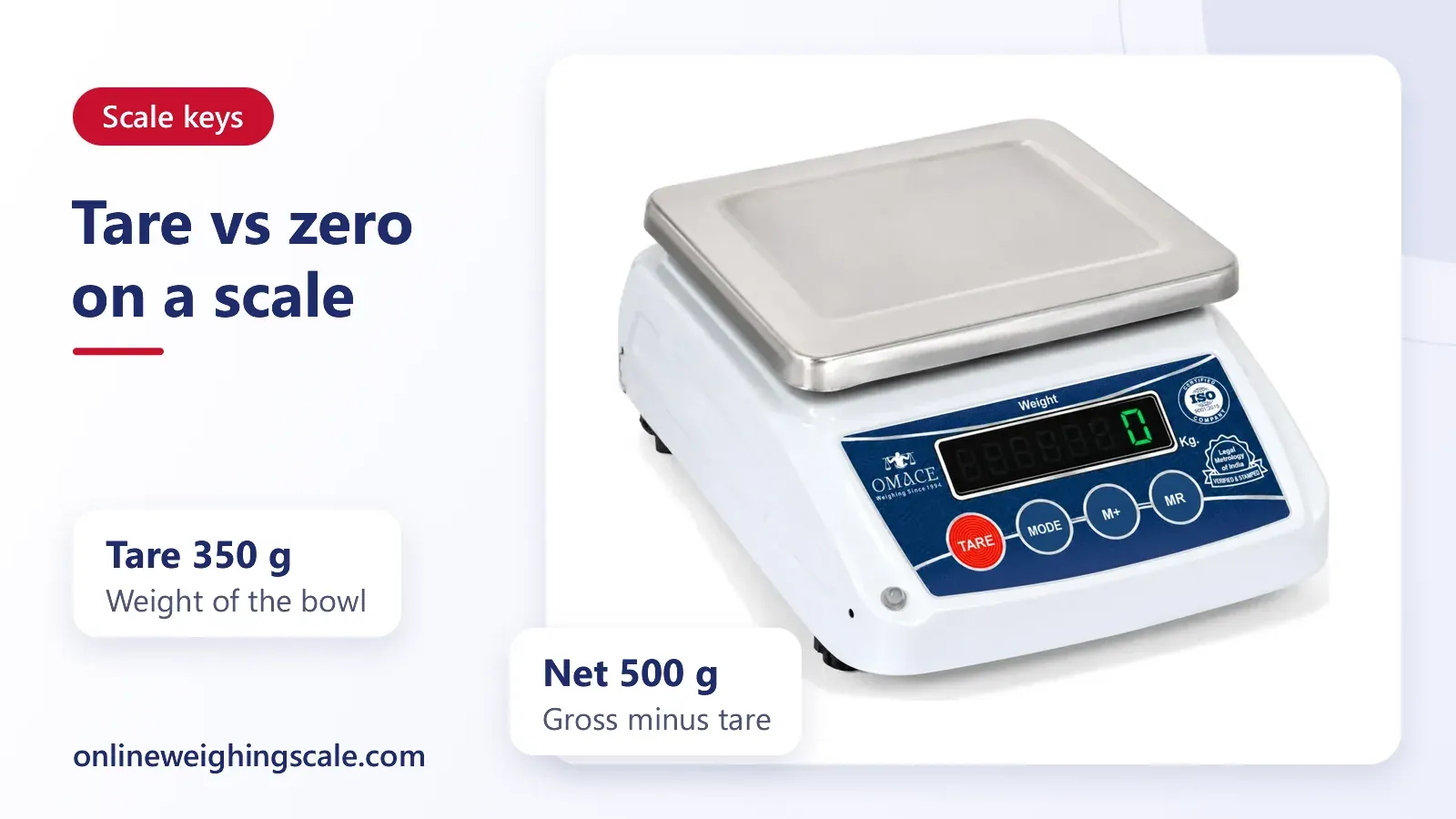
Tare is the key that ignores the weight of a container. The National Institute of Standards and Technology (NIST), the US standards body, explains on its weighing and scales FAQ page that packaging is called tare, and that gross weight is the net weight plus the tare. NIST also says a tare operation is one where the scale itself takes the tare into account while weighing the gross load.
In practice that gives a simple routine. Place the empty bowl or tray on the pan, press TARE, wait for 0 to show, then add the goods. The display now shows only the goods. When you lift the bowl away, many scales show a negative number, which is normal and returns to zero once the pan is emptied and zeroed again.
NIST's page on grocery store scales adds that inspectors check shops subtract the packaging, so a customer pays for the product and not for the container. That is the reason a shop scale should always be tared before a plastic tray or paper bag goes on it.
Step 4: Change the unit
Many digital scales carry a UNIT or MODE key. Each press moves the display to the next unit, for example kilogram, gram, pound or ounce. Kitchen and pocket scales usually have more units than a shop scale, and a shop scale may show only kilogram and gram.
Change the unit with the pan empty and the display at zero, then weigh. If you switch while goods are on the pan, the number changes with the unit and it is easy to misread. Our post on units of measurement explains kilogram, gram, pound and the old Indian units such as the tola and the seer, and how they convert. A scale that offers a unit your trade does not use can simply be left on kilogram or gram.
Step 5: Read the weight when it is steady
Wait until the display stops changing, or until a small stable mark appears if the model has one, and then read. A reading taken while the pan is still moving is the most common source of an unfair-looking number.
Keys and what they do
The table below is the general pattern. Key names vary, so match them to your own panel. Rows marked Omace describe Omace digital scales only.
| What you want to do | Key usually pressed | What the display shows |
|---|---|---|
| Switch on (general) | ON or ON/OFF | A self-test, then 0 |
| Zero an empty pan (general) | ZERO, or TARE | 0 with the pan empty |
| Ignore a bowl or bag (general) | TARE | 0 with the container still on the pan |
| Change kg, g, lb, oz (general) | UNIT or MODE | The same weight in the next unit |
| Freeze a reading (general) | HOLD | The number stays after the item is removed |
| Switch on the backlight (general) | LIGHT, or automatic | A lit display |
| Count identical pieces (general) | COUNT or PCS | A piece count instead of weight |
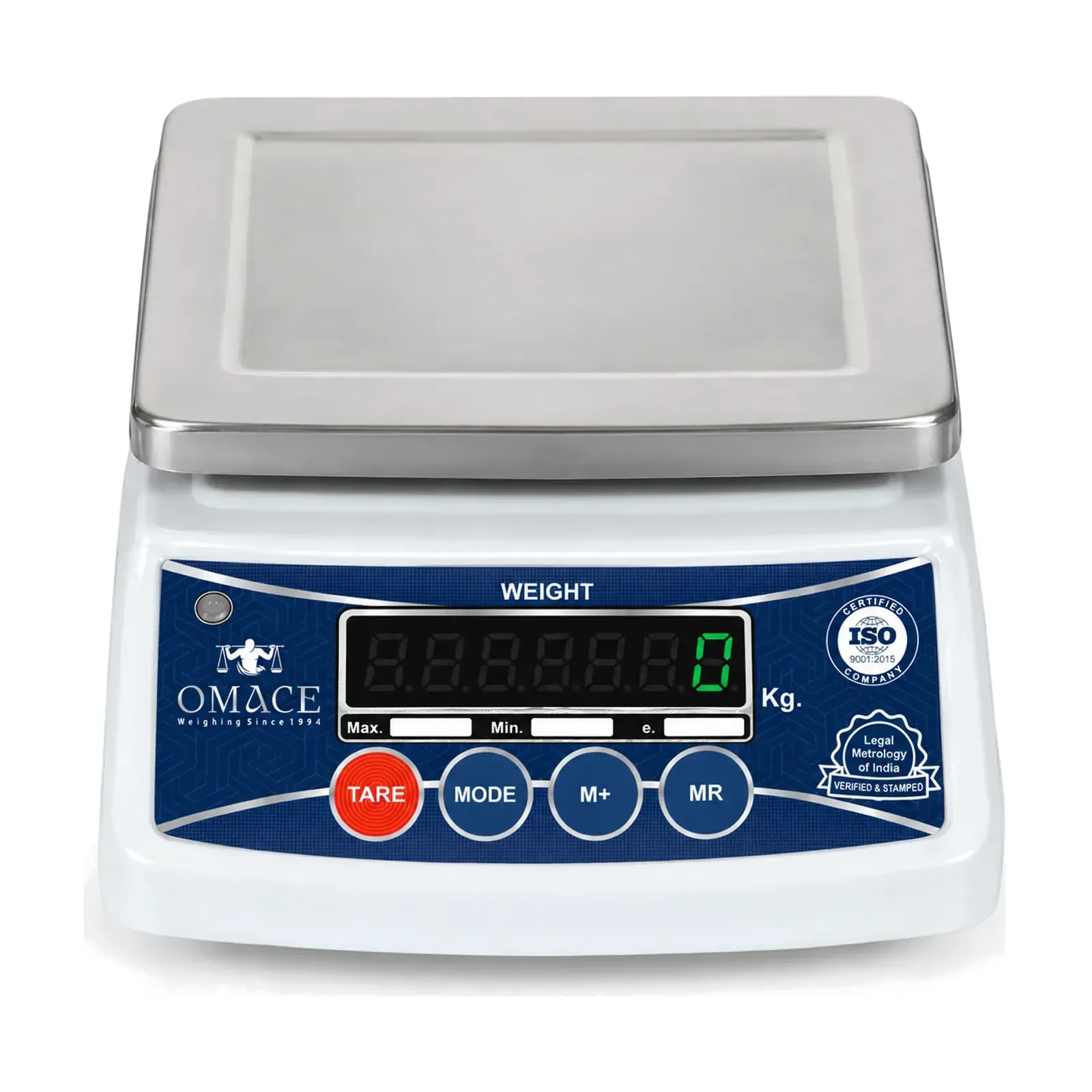
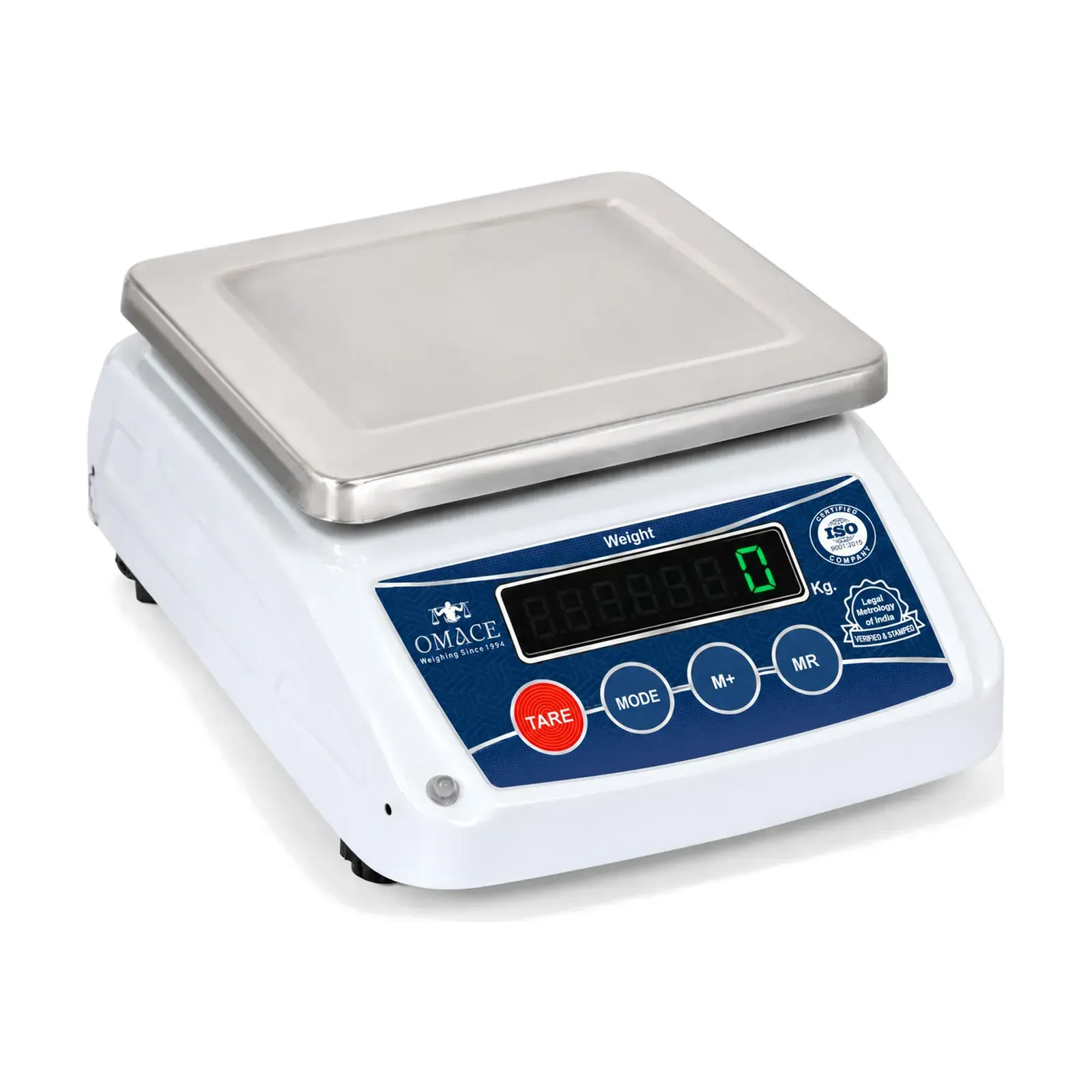
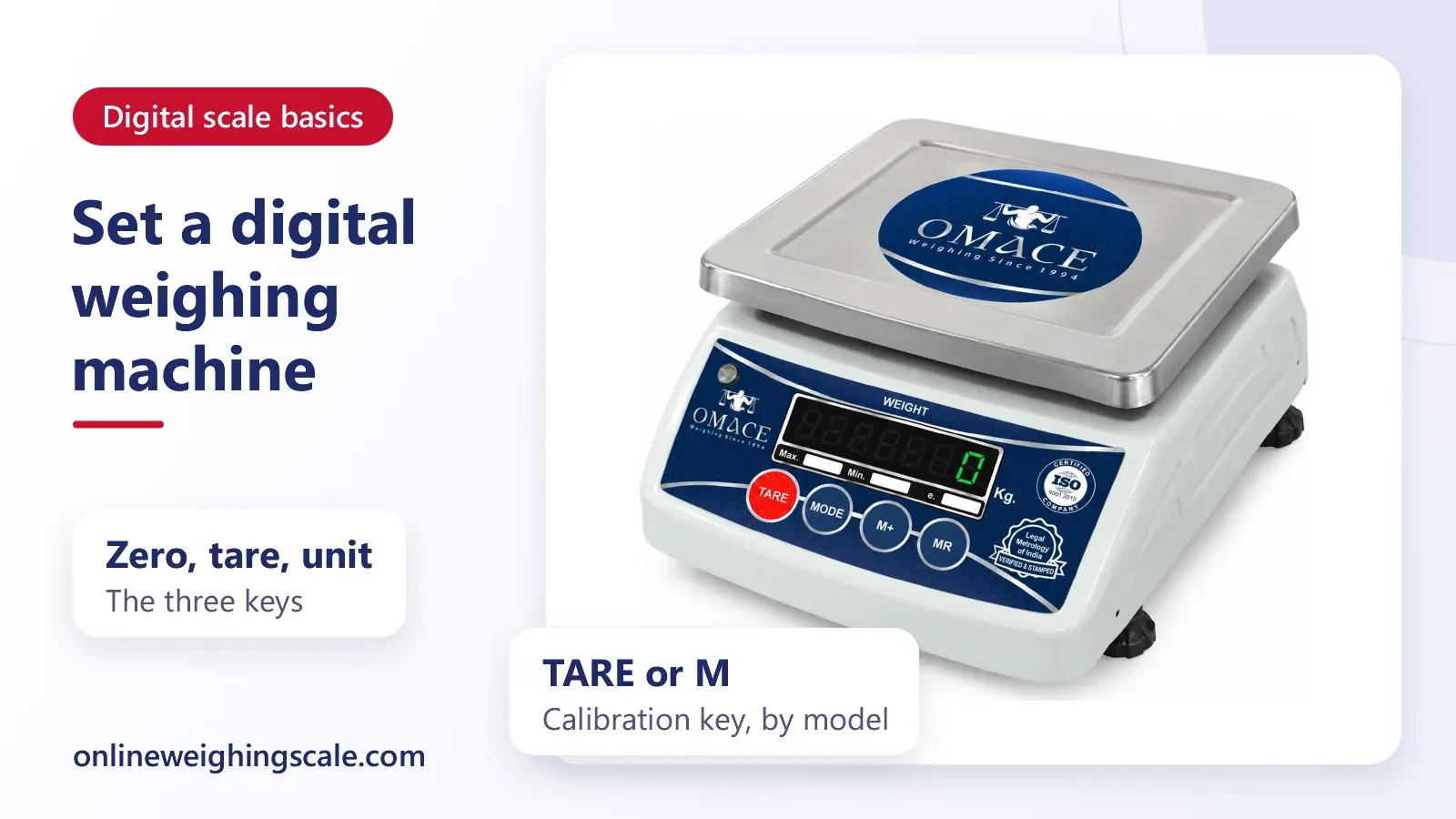
| Open calibration mode (Omace) | Hold TARE or M (by model) | A calibration prompt on the display |
Auto-off, backlight and hold
Auto-off is a power saver. After a period without any change in weight, the scale switches itself off to protect the battery. Some models let you turn it off or lengthen the period, and many do not, so a shop scale that keeps switching off during slow hours is working as designed.
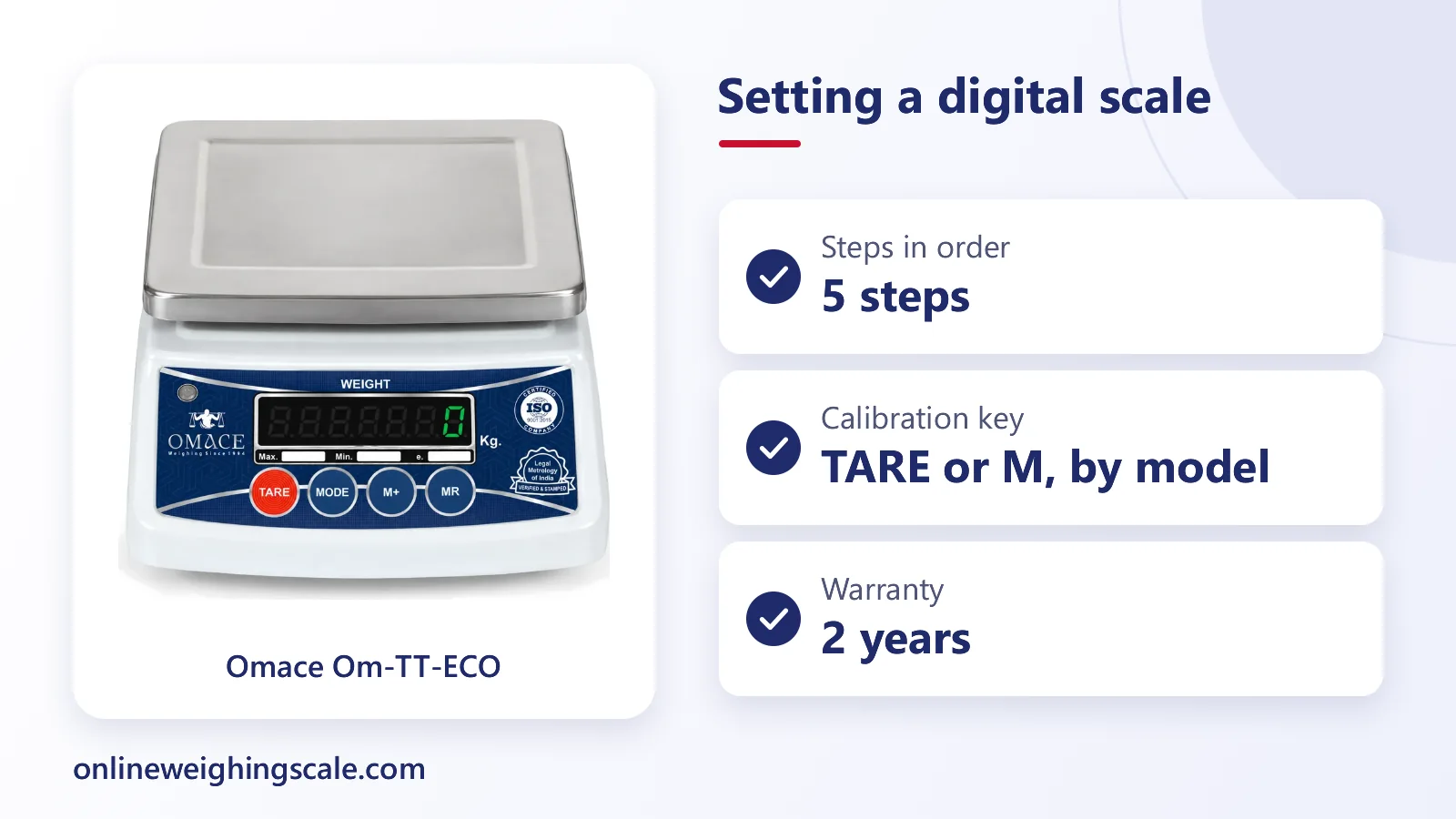
The backlight helps in a dim kitchen or a shop with the shutter half down. On battery models, a constant backlight uses the cells faster, so a scale that goes dark quickly on a new set of cells may simply be lit all the time. A rechargeable model such as the Omace Om-TT-ECO kirana weighing machine at ₹2310 spares the repeated cell change.
HOLD keeps a reading on the screen. It is useful for a restless load such as a live chicken or a child on a bathroom scale, where the number would otherwise keep moving. Press it again to release the display.
Counting pieces
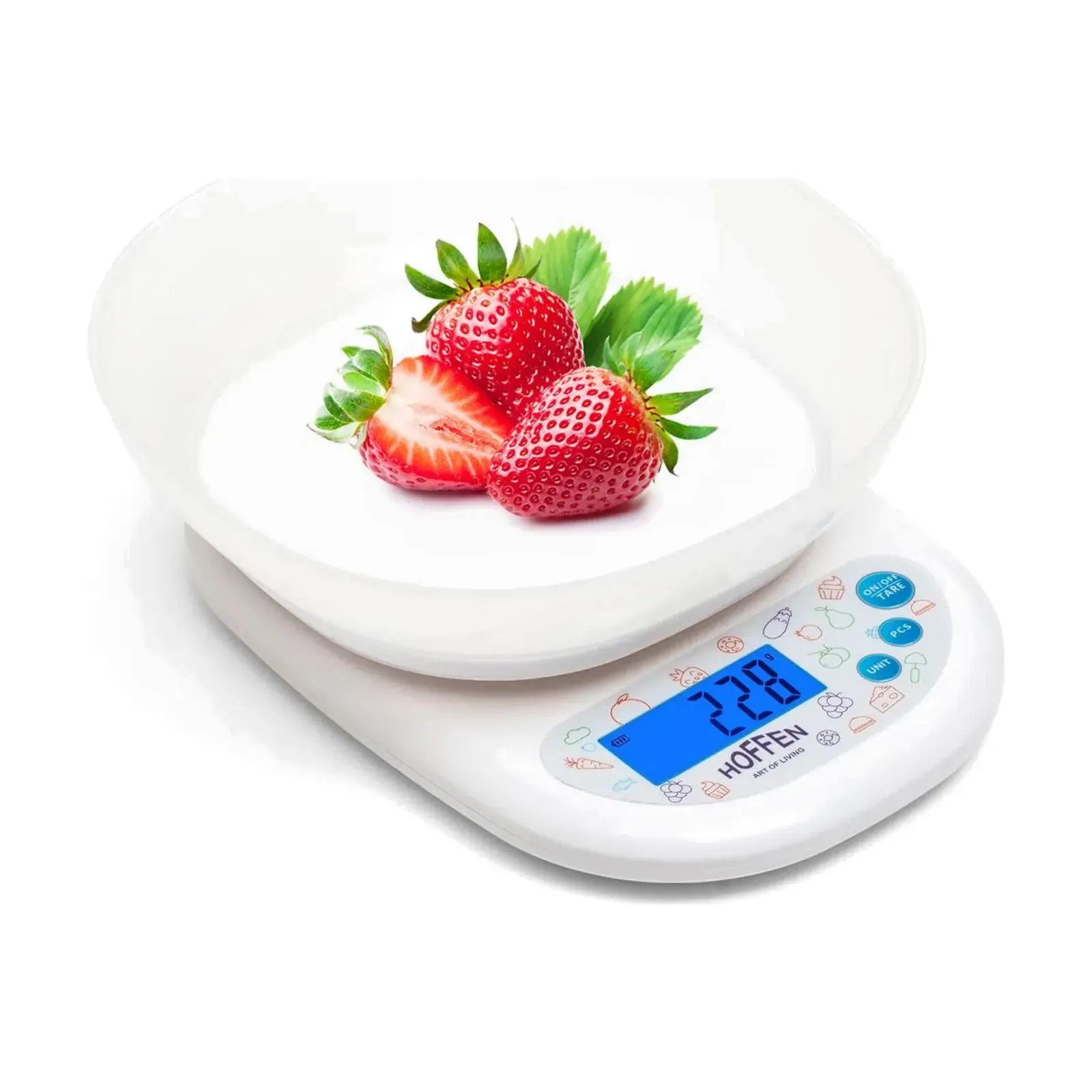
Many kitchen and bench scales have a piece-counting function. You place a known number of identical items on the pan, enter that number, and the scale works out the weight of one piece. After that it shows how many pieces sit on the pan. Screws, bangles and tablets are counted this way. The Hoffen KD-819 kitchen weighing scale with bowl at ₹519 includes piece counting.
Price per kilo on a price computing scale
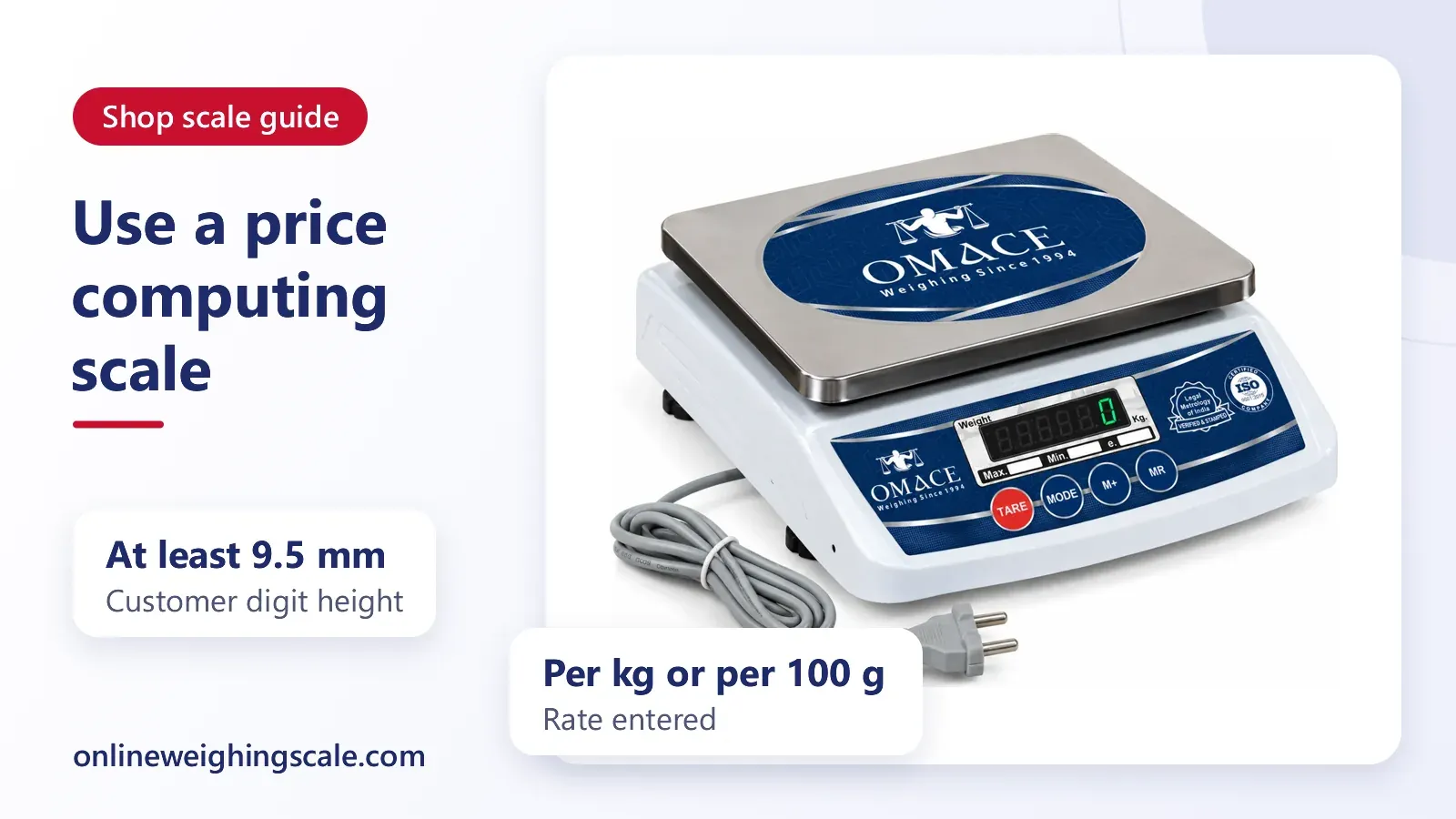
A price computing scale is the kind a vegetable or sweet shop uses: it shows weight, price per kilo and the amount payable. You key in the rate per kilo using the number keys, place the goods, and the total price appears. If the rate or the unit is wrong, every total is wrong, so enter the rate first and glance at the display before each customer. Our post on price computing scale calibration covers the checks for these models.
What reset means, and why there is no reset code
People search for a digital scale reset code. There is no single code that works on every scale. A reset can mean any of three things, and the maker's manual says which one a model offers.
- Zeroing the display, which is only the ZERO or TARE step above.
- Restarting the scale by switching it off and on, or by taking the batteries out for a minute.
- Restoring factory settings or recalibrating, which only some models allow and which usually needs a special key press.
Typing a code found on a video for another brand can put a scale into a setup mode where the values are changed. If a scale will not behave after a plain restart, ask the maker or the seller before pressing hidden keys.
Calibration mode on Omace scales
On Omace digital scales a long press of TARE opens calibration mode on some models and a long press of the M key on others, and the manual for each model shows which. That mode is for adjusting the scale against a test weight and not for everyday setting, so do not hold TARE or M on a scale that already weighs correctly. The full method is in our guide to calibrating a digital weighing scale at home.
Scales used to sell goods by weight are different. Omace shop, platform and chicken scales leave Bagru verified and stamped by Legal Metrology, and the stamp is valid across India. The stamp is sealed, so the owner should not recalibrate a stamped trade scale. A registered repairer does that and the scale is then verified again. The Legal Metrology guide explains the rules, and the Department of Consumer Affairs lists the Act on its Legal Metrology page.
A short daily routine for a shop
- Place the scale on a steady counter and switch on.
- Check the pan is empty and the display reads zero.
- Tare the tray or bag, and weigh only after the number stops moving.
- Leave the scale on kilogram or gram, as agreed with customers.
- Switch off at closing and charge a rechargeable model, or replace weak cells.
For a shop scale that needs repair, Omace Brands Private Limited repairs its commercial scales when the buyer asks. The buyer pays the shipping both ways and the repair cost, and spare parts depend on availability, so ask first through the contact page.
Shop owners choosing a new scale can look at the Om-TT range of shop weighing scales. Omace scales are factory calibrated and replaced under warranty if one reads wrong, and the warranty covers manufacturing defects for 2 years.