Tare vs zero is a question of what sits on the pan when you press the key. Zero corrects a pan that is empty but reads a little off, while tare hides the weight of a bowl, crate or sack so the display shows only the goods inside it.
Many people use the two keys as if they were one, because both bring the display back to 0.0. The difference shows up when the container is lifted off, when the scale is near its limit, and when money depends on the reading. This guide explains each key, the words gross weight, tare weight and net weight, and the habits that keep a reading honest.
Tare vs zero at a glance
| Point | Zero | Tare |
|---|---|---|
| When you use it | Pan is empty | A container or wrapper is on the pan |
| What it does | Sets the display to 0 for no load | Stores the container weight and shows only what is added after it |
| After you lift the load | Display stays near 0 | Display shows a minus equal to the stored weight |
| Effect on capacity | Zero-setting does not alter the maximum capacity (OIML R 76-1, 4.5.1) | On a subtractive tare device the container uses up part of the range |
What the zero key does
The zero key tells the scale that the empty pan is the starting point. Dust, a damp cloth, a warm room or a slightly tilted table can all make an empty pan read 2 g or 3 g instead of 0. Pressing zero with nothing on the pan removes that offset, so every later reading starts clean.
The international recommendation for non-automatic weighing instruments, OIML R 76-1, defines the zero-setting device as one that sets the indication to zero when there is no load on the load receptor, and treats it as a separate part from the tare device. That split matches how you use the keys: one for an empty receptor, the other for a load that is already sitting on it.
NIST Handbook 44, section 2.20, lets a scale that is not for direct sales carry one combined zero and tare key if it is marked as such and shows "Not for Direct Sales". It also says the tolerances apply to the net weight indication for any possible tare load, so a tared reading is held to the same error limits as an untared one.
Zero is meant for small drift. If an empty pan shows a large number, zero will not fix the cause. A stuck pan, a loose foot or a weak battery needs attention first, and the post on weighing scale not working lists those faults. A scale that drifts again within minutes also needs a real check, which the guide on how to calibrate a digital weighing scale covers.
What the tare key does
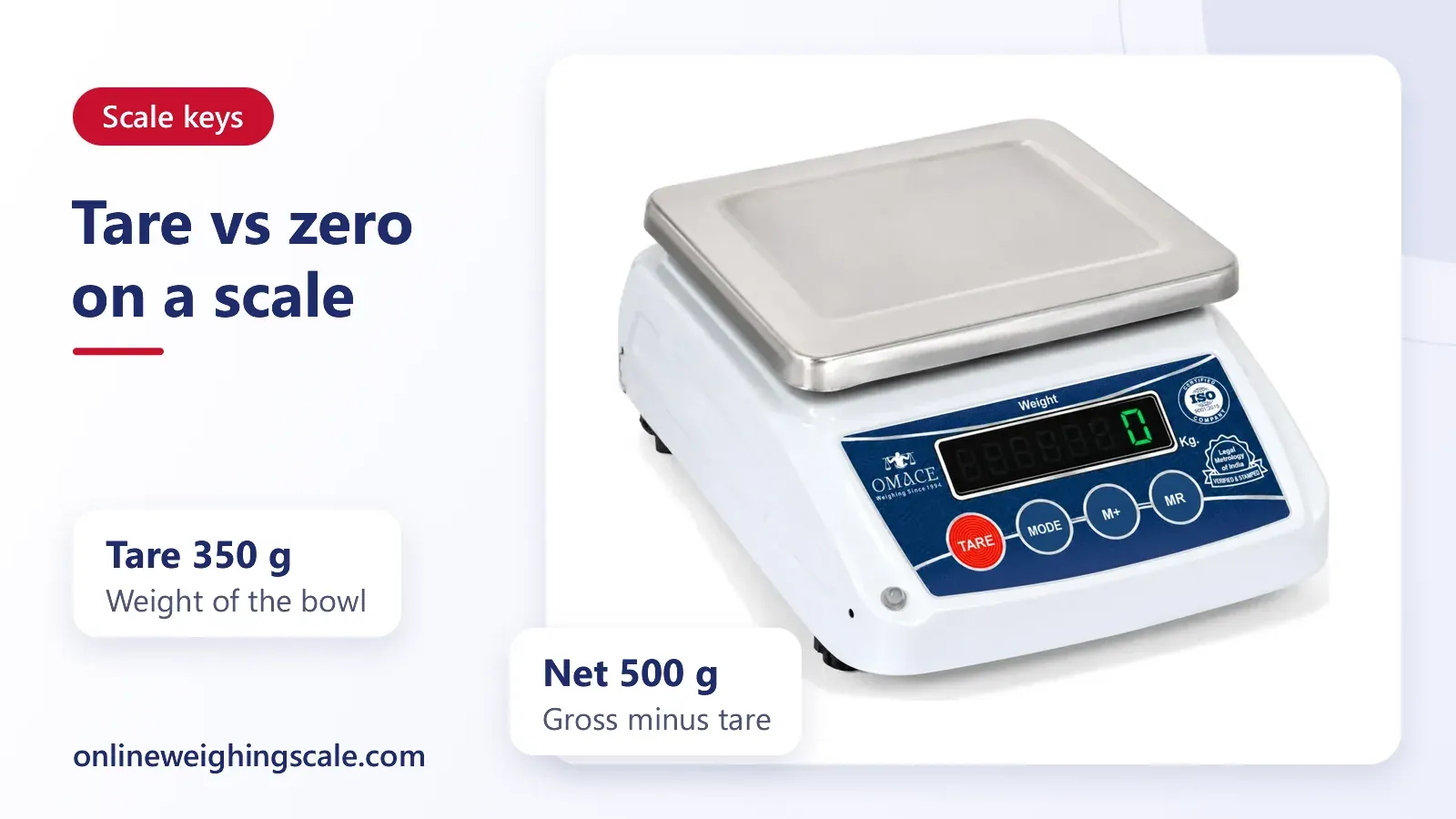
The tare key is the answer to what is tare in a weighing scale. It tells the scale to remember whatever is on the pan right now and to count it as zero. Put a steel bowl on the pan, press TARE, and the display returns to 0 even though the bowl is still there. Everything you add afterwards shows by itself.
OIML R 76-1 defines a tare device as a device for setting the indication to zero when a load is on the load receptor. The scale has not forgotten the bowl. It has stored the bowl's weight and subtracts it from every reading until you clear the tare.
Tare is also called the container weight, and in a Hindi-speaking shop you may hear it called the dabbe ka vajan. The word means the same thing on a kanta in a kirana store and on a lab balance.
Gross weight, tare weight and net weight
Three terms describe every weighing that uses a container. Gross weight is the full load on the pan: goods plus container. Tare weight is the container, wrapper or packing alone. Net weight is the goods alone.
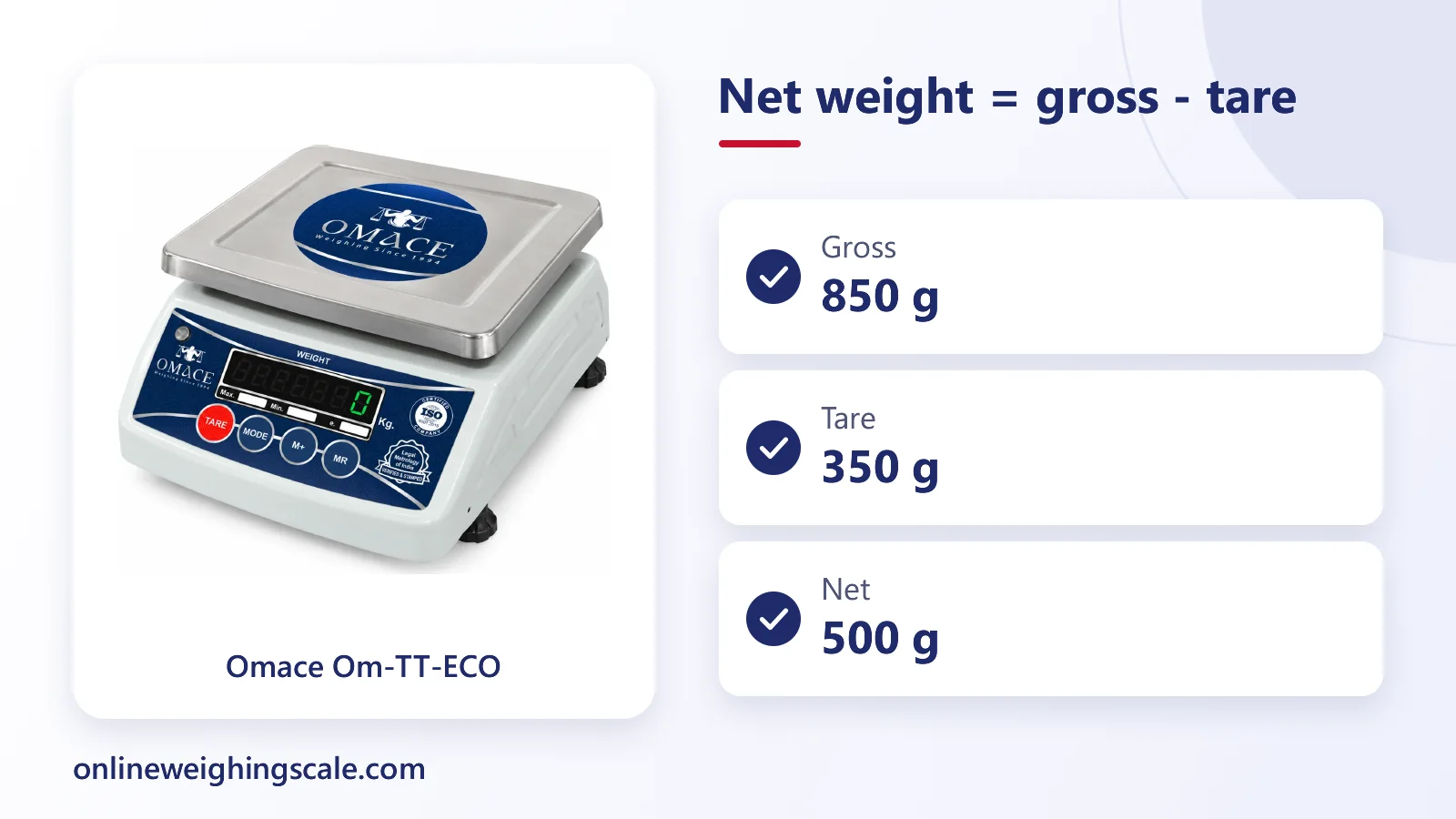
The relationship is simple: net weight equals gross weight minus tare weight. OIML R 76-1 defines the gross value as the indication with no tare device in operation, and the net value as the indication of a load after a tare device has operated (clauses T.5.2.1 and T.5.2.2). Tare weight is the container, wrapper or packing that the tare device takes off.
| Term | Meaning | Example |
|---|---|---|
| Gross weight | Goods plus container | 850 g |
| Tare weight | Container alone | 350 g |
| Net weight | Goods alone | 500 g |
The figures above are an example only: a 350 g bowl holding 500 g of flour reads 850 g gross. The tare key does the subtraction for you, so the display shows 500 g without any mental arithmetic.
How to use tare in a weighing machine
The steps are the same on most digital scales, from a kitchen scale to a shop kanta.
- Switch the scale on and wait until it settles at 0.
- Press the zero key if the empty pan shows a small number. Skip this step on scales that have only one key.
- Place the container on the pan.
- Press TARE once, briefly. The display returns to 0 and a tare symbol may appear.
- Add the goods slowly and read the net weight.
- Lift the load off. The display will show a minus. Press TARE again, or switch the scale off, to clear it.
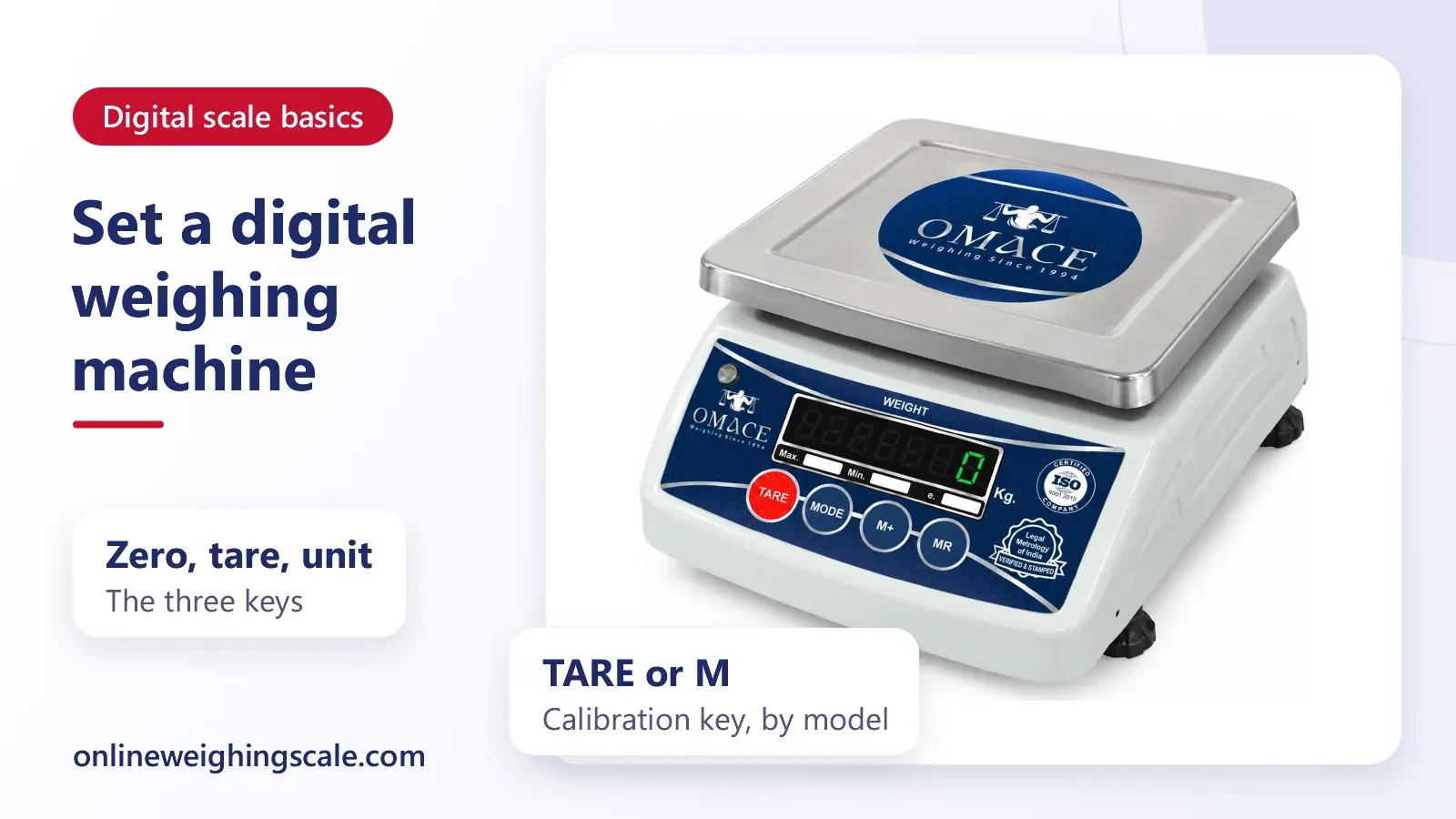
Press the key briefly. On some Omace digital scales a long press of TARE opens calibration mode instead of taring (on others it is the M key), so a long press can change settings you did not mean to touch. Stamped trade scales are sealed, and a registered repairer recalibrates them.
Why the calibration key differs between scales
Many small digital scales on the market have only two or three keys, so calibration is given as a second job to a key that already exists: TARE on some, MODE or M on others, sometimes held down or pressed while switching on. The long press or switch-on step is there so a stray tap cannot start calibration by accident. Which key a scale uses is its maker's design choice, so two scales that look alike can differ.
Trade scales are handled differently. OIML R 76-1 asks for ways to secure the controls a user may not adjust, and NIST Handbook 44 asks for a security seal, or another approved safeguard such as an audit trail, before an electronic change can be made. So a stamped trade scale keeps its adjustment behind a seal, not a front key. Check the manual for the key on your model. On a stamped scale, do not try to open it; a registered repairer does that, as the post on legal metrology explains.
Examples: bowl, crate and sack
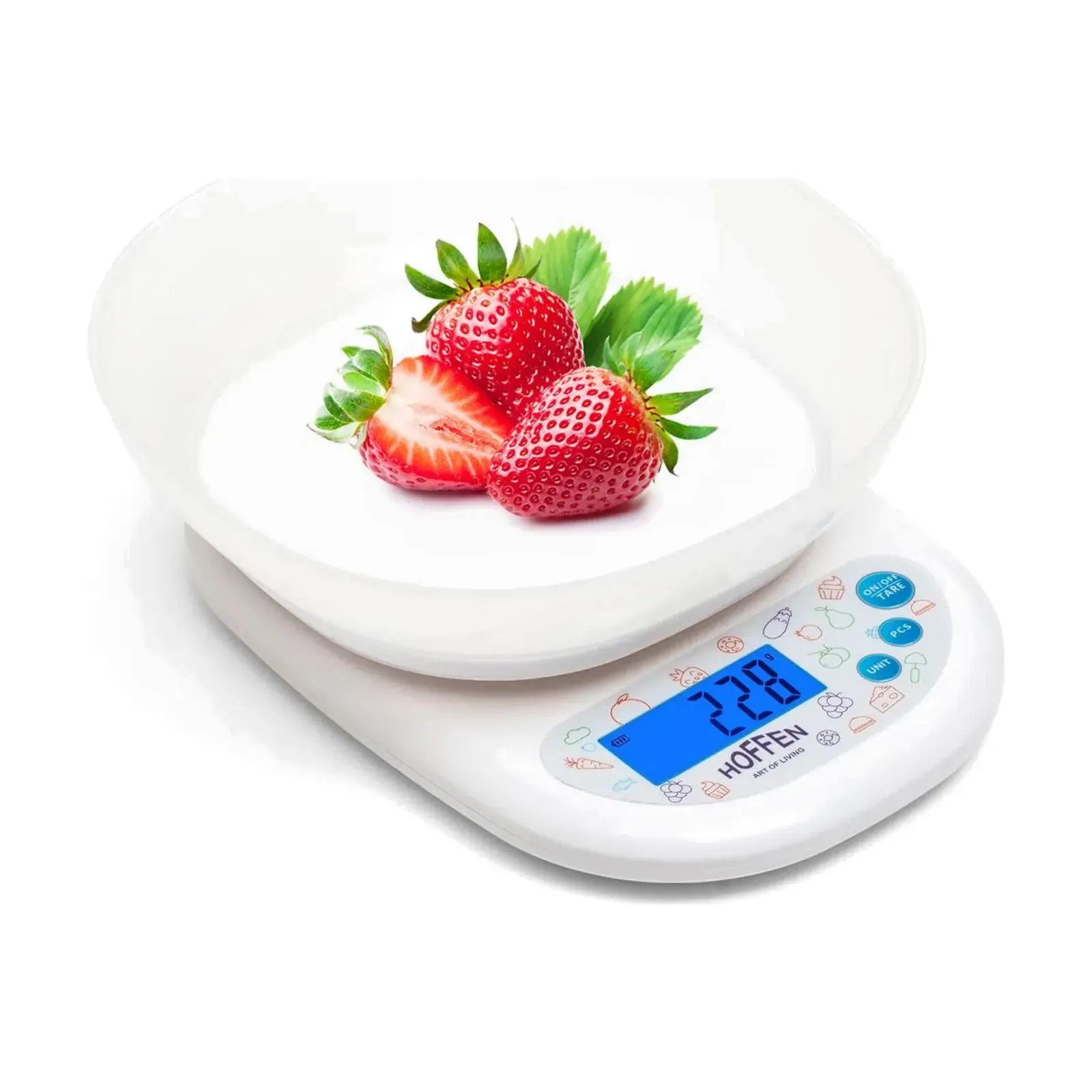
A bowl on a kitchen scale. Place the empty bowl, press TARE, and pour flour until the display shows the quantity in the recipe. To add sugar to the same bowl, press TARE again and the display starts from 0 for the second ingredient. This is why a scale with a bowl, such as the Hoffen KD-819 kitchen weighing scale with bowl at ₹519, is handy for baking. More models are on the kitchen scale category page.
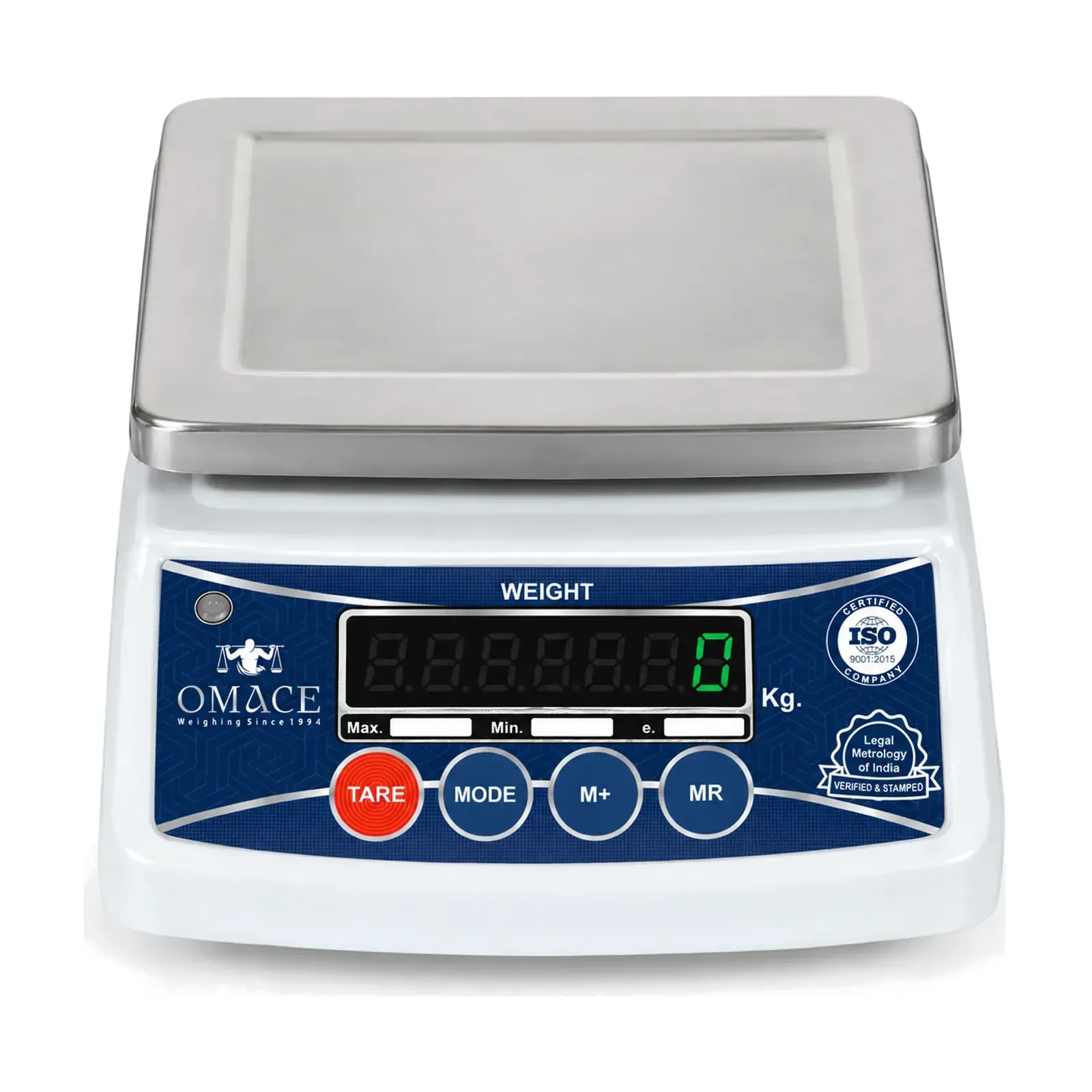
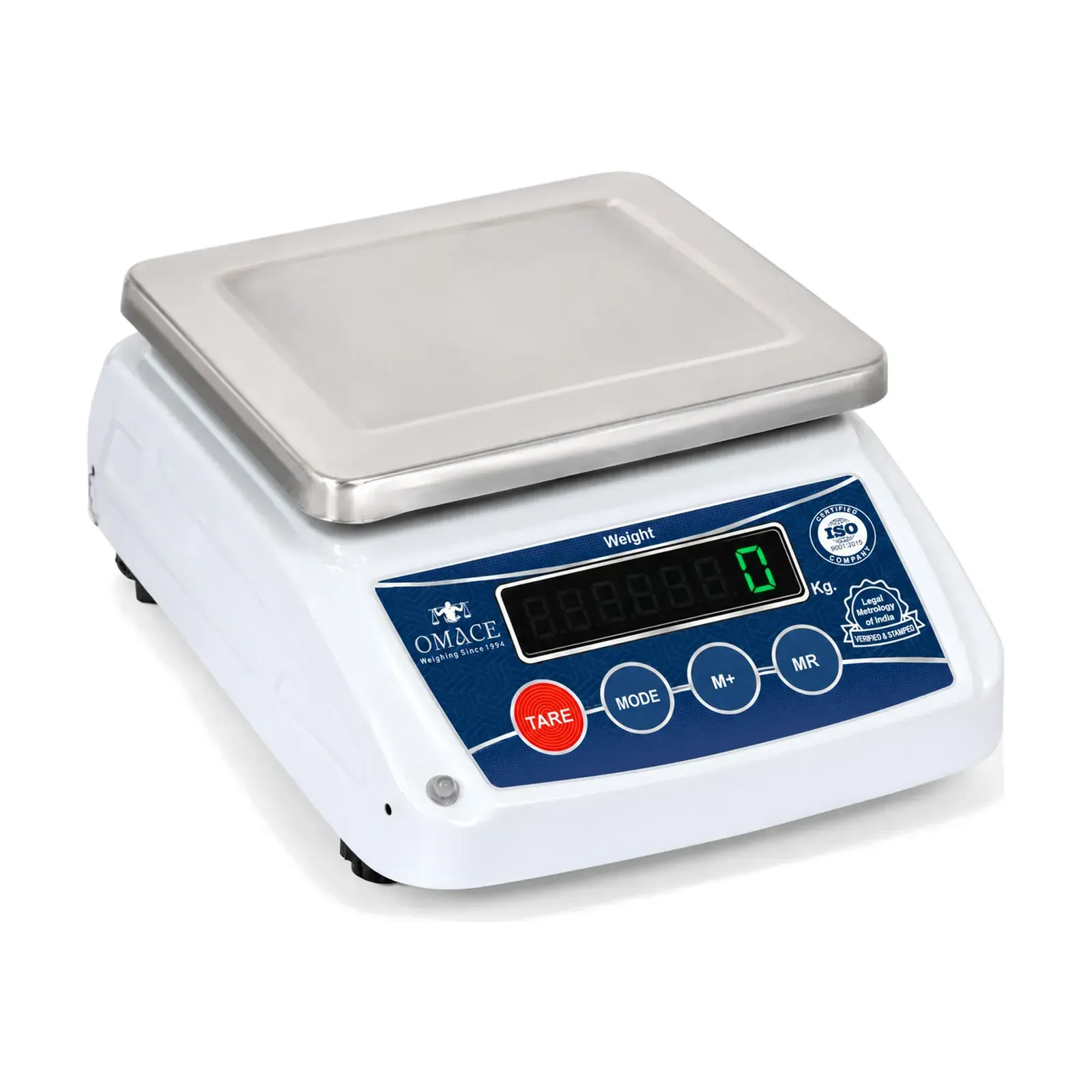
A crate in a shop. A vegetable seller weighs tomatoes in a plastic crate. The crate goes on the pan first and TARE is pressed. The tomatoes then show their own weight, and the same tared crate can be reused for the next customer. A table-top scale made for this work is the Omace Om-TT-ECO kirana weighing machine, priced at ₹2310.
A sack on a platform. A mandi trader puts an empty sack on a platform scale, presses TARE, fills it and reads the net grain weight directly. The same method works with a pallet or a drum. For heavier loads, look at the platform weighing scale range.
Preset tare and why the display shows a minus
Some scales let you type a known container weight instead of placing the container on the pan. This is called a preset tare. It suits a shop that always uses the same box: key in 250 g once, and every box of goods shows its net weight. Clause 3.5.3.3 of OIML R 76-1 leaves preset tare values out of its error limits for net values, so a preset value is only as good as the number you entered.
The minus sign appears because the scale is still subtracting the stored container weight after the container has gone. Lift a 350 g bowl that was tared and the display reads -350 g. The scale is working correctly. Press TARE with the pan empty, or press zero if your scale has the key, and the minus disappears.
A minus can also appear when you remove goods from a container that is still on the pan. In that case the reading is the weight you took out, shown as a negative number. That is a handy way to measure how much was taken from a bag, and it needs no extra key.
Tare uses up capacity
On a scale with a subtractive tare, a container reduces the load you can still add. A scale rated for 10 kg that carries a 2 kg crate then has about 8 kg left for goods, even though the display reads 0 after taring.
OIML R 76-1 describes two kinds of tare. An additive tare device sets the display to zero without altering the weighing range for net loads, and a subtractive tare device reduces the weighing range for net loads. The recommendation also asks a subtractive tare device to stop the scale being used above its maximum capacity, or to show that the capacity has been reached. Check the maximum capacity printed on the label and keep the gross weight below it. An overloaded pan can damage the load cell and give wrong readings. The post on the load cell explains why.
Tare weight in trade: sell the goods, not the box
When a customer pays by weight, the price should be for the goods. A scale used without taring the container, or zeroed with a wrapper already on it, adds the weight of the box to the bill. That is the most common way a correct scale gives an unfair reading.
A shopkeeper should tare the tray, bag or box every time and show the customer the display while the goods are on the pan. The rules for stamped scales and the penalties for unverified instruments sit in the post on legal metrology in India. How a particular container should be treated in a transaction is a question for the Legal Metrology office of your state.
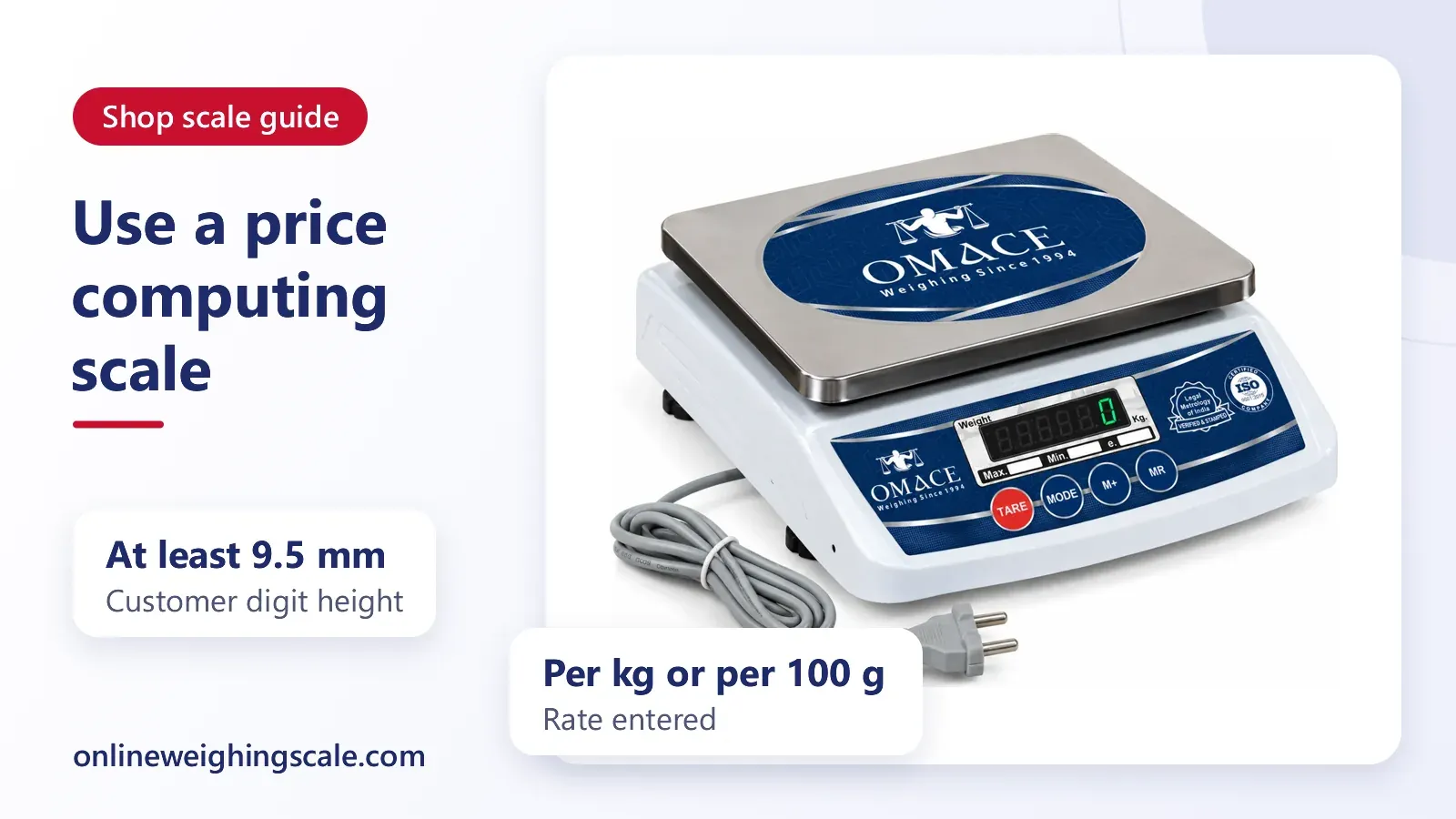
Omace shop, platform, chicken and crane scales leave Bagru verified and stamped by Legal Metrology, and the stamp is valid across India. A shop scale such as the Omace Om-TT-Micro mini weighing machine can be tared in the same way as a kitchen scale, so the habit carries over.
Common tare mistakes
- Pressing TARE with goods already in the container, which hides the goods you meant to measure.
- Pressing zero when a container is on the pan and expecting it to behave as tare. On most scales the container stays inside the reading after the key is released.
- Moving or leaning on the container after taring. The scale reads the push as extra weight.
- Using a wet container, which adds water weight that evaporates later and makes the net weight creep downward.
- Swapping to a different container and forgetting to tare again. A lighter box shows a minus, and a heavier one shows extra weight.
- Forgetting that the maximum capacity includes the container.
Habits for a clean reading
Place the scale on a flat, firm surface. Wait for the display to settle before pressing a key. Zero the empty pan, place the container, tare, add the goods and read the net. If the display keeps drifting after you do this, treat it as a scale fault and not as a tare problem.
This is general information about how scales work. For a stamped trade scale, ask the registered repairer to adjust it. Omace Brands Private Limited repairs its commercial scales when the buyer asks; the buyer pays the shipping both ways and the repair cost, and spare parts depend on availability, so contact Omace first.